
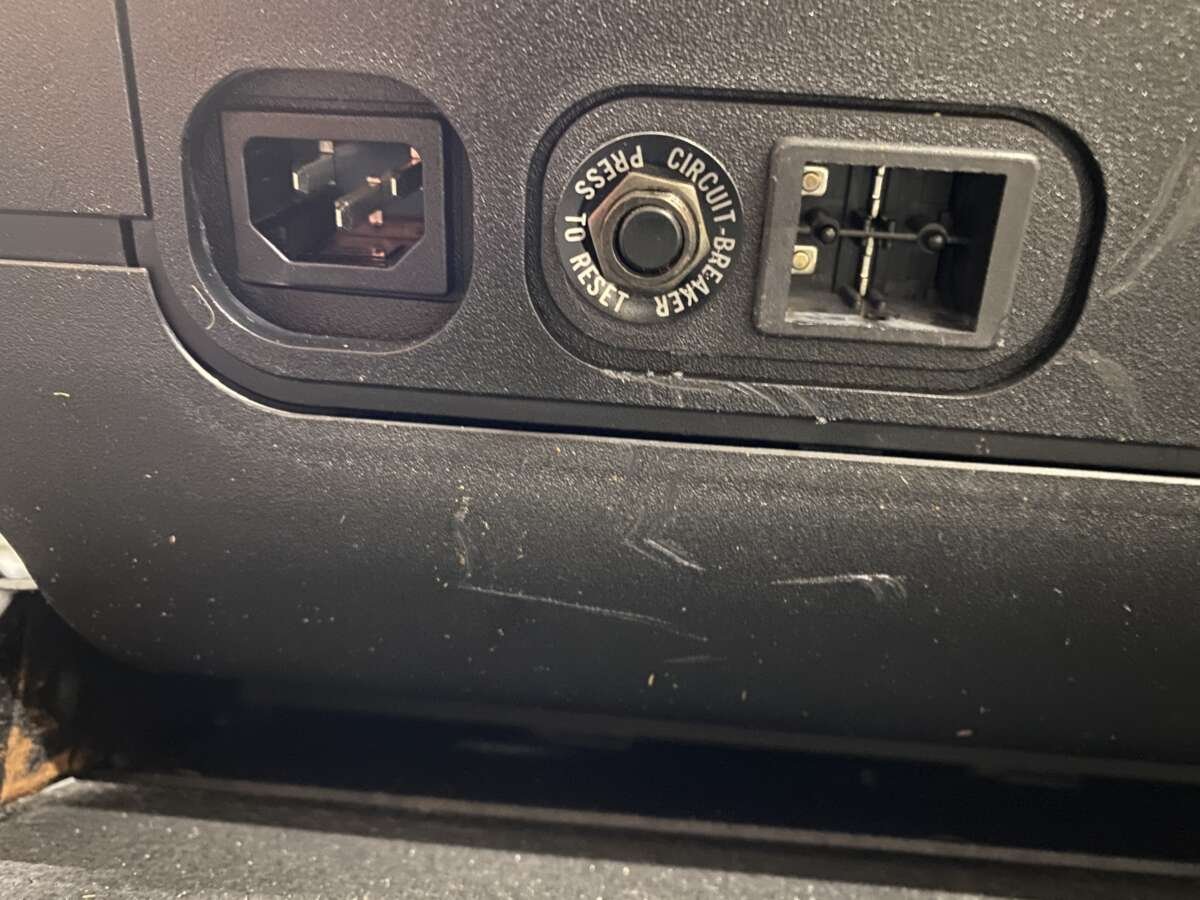
How To Turn On Peloton Treadmill: Quick Step-By-Step Guide
Plug the treadmill in, press the safety key into the console, then press the power button to start.
I’ve guided hundreds of riders and gym owners through Peloton setup and troubleshooting. This guide will walk you through exactly how to turn on Peloton treadmill safely and reliably, explain common startup problems, and share hands-on tips from real use to help you avoid mistakes and get to your workout fast.
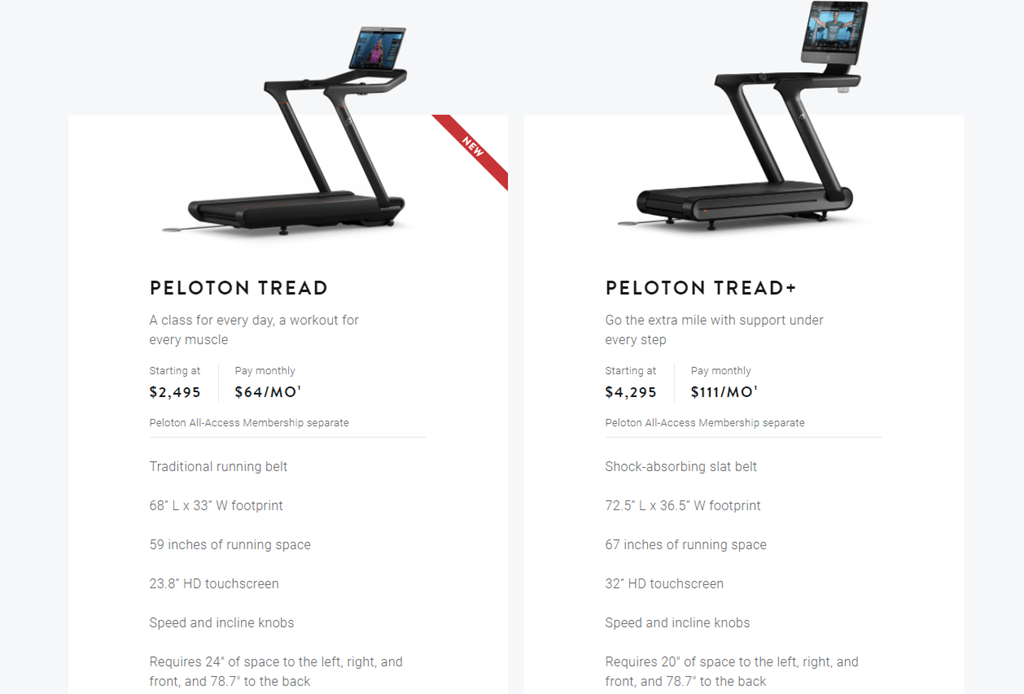
How Peloton treadmill powers on: a quick overview
Peloton treadmills use a simple power sequence. First you plug in the unit and engage the safety key. Then the console gets power and boots the touchscreen. Knowing each step helps you spot power or software issues quickly when learning how to turn on Peloton treadmill.
Step-by-step: how to turn on Peloton treadmill
Follow these clear steps to power up a Peloton treadmill without fuss.
-
Check the outlet and plug
- Verify the wall outlet works by testing another device.
- Use the original Peloton power cord if available.
-
Confirm the circuit is on
- Check the breaker or GFCI switch.
- Reset the breaker if it tripped.
-
Insert the safety key
- The safety key sits in front of the console.
- Insert it fully; the console will not power on without it.
-
Press the power button
- Locate the small power button on the frame or console.
- Press it once. The screen should begin booting.
-
Wait for the touchscreen to start
- Allow up to one minute for the screen to wake.
- If the screen stays black, check power and the safety key again.
-
Sign in and test
- Sign into your Peloton account on the touchscreen.
- Start a short walk to ensure the motor and screen respond.
These steps show how to turn on Peloton treadmill in a safe, repeatable way. Repeat them whenever you move the treadmill or after a power outage.

Troubleshooting common startup issues
If the treadmill doesn’t start, try these fixes. Each is quick and usually resolves the problem.
Power light is off
- Confirm the cord is fully plugged into the machine and outlet.
- Test the outlet with another device and reset any tripped breaker.
Screen remains black but power light is on
- Remove and reinsert the safety key.
- Hold the power button for 10 seconds to force a restart.
Console boots but won’t connect
- Restart your router and treadmill.
- Move the treadmill closer to the router for the first boot.
Treadmill powers on but motor won’t engage
- Ensure the safety lanyard is attached.
- Try a short walk program to wake the motor. If it still fails, contact Peloton support.
If none of these steps help, note error messages or LED patterns. Those details speed up support and help pinpoint whether the problem is power, software, or hardware.
 powering on your Peloton treadmill”
style=”max-width: 100%; height: auto; border: 2px solid black; border-radius: 10px; display: block; margin: 0 auto;”
loading=”lazy”
/>
Safety checks before powering on your Peloton treadmill
Safety matters every time you learn how to turn on Peloton treadmill. Follow these checks before you press the power button.
- Clear the area around the treadmill and remove loose items.
- Inspect the power cord for damage. Do not use a frayed cord.
- Confirm the safety key and lanyard are present and functional.
- Check that the treadmill is on a level surface to avoid motor strain.
A quick safety routine protects you and extends the machine’s life. I always do these checks before a session.

Personal tips and lessons learned
I’ve set up and powered on dozens of Peloton treadmills in homes and small studios. Here are honest tips from that experience.
- Always use a dedicated outlet to avoid tripping breakers during heavy workouts.
- Keep the safety key in a consistent place so you don’t lose it. I attach a bright ribbon to mine.
- After power outages, wait 30 seconds before restarting the treadmill to protect electronics.
- When teaching newcomers, I walk them through the power steps once and then watch them do it. It builds confidence.
A small habit—like checking the cord—saved me a service call once. These simple practices make powering up smooth and stress-free.
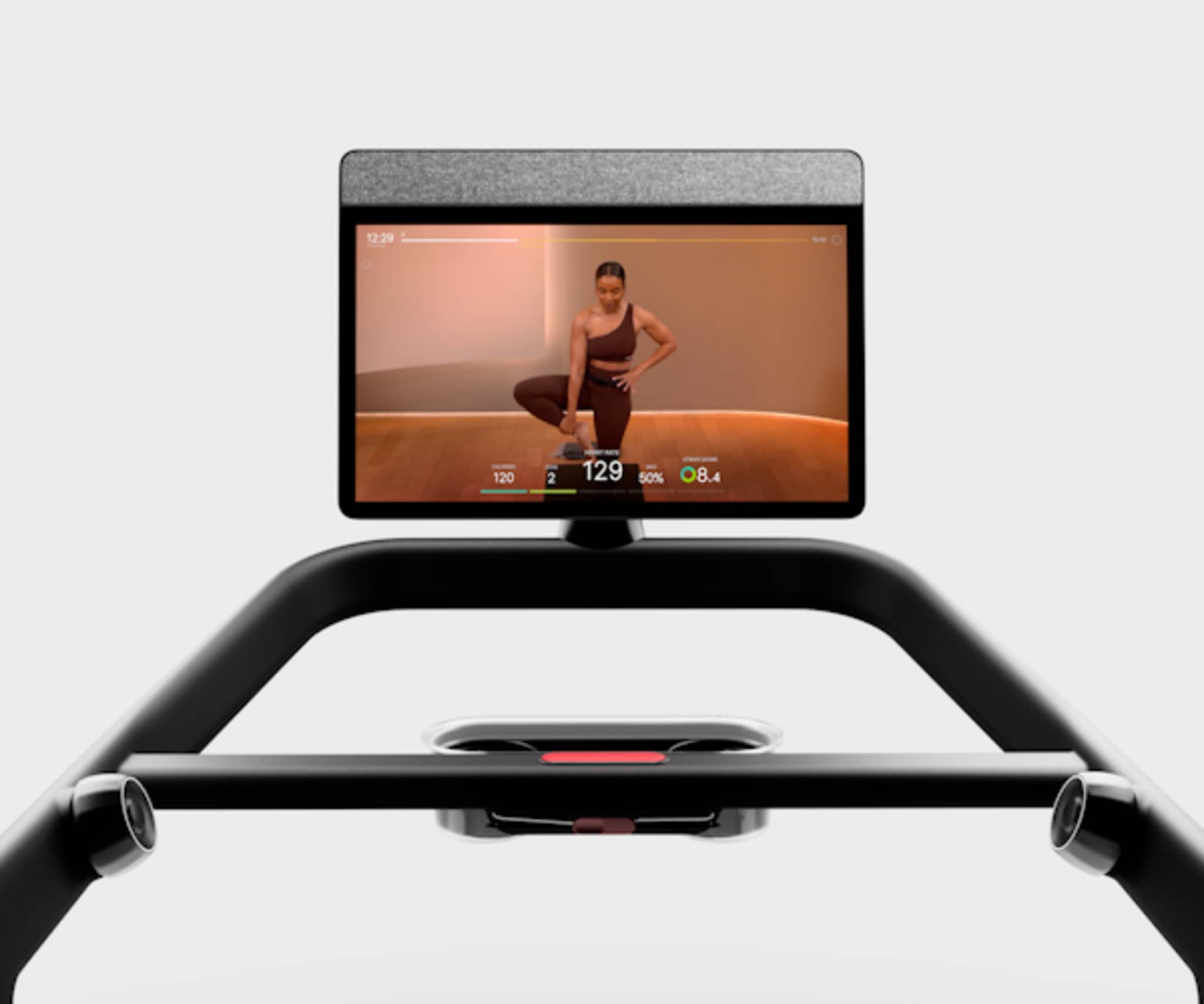
Maintenance and power care for reliable start-up
Regular maintenance reduces startup problems and keeps the treadmill running. Schedule quick checks monthly.
- Inspect and clean the power port and cord connection.
- Keep the console firmware updated when connected to Wi-Fi.
- Check belt alignment and tension as recommended in the manual.
- Keep the area dust-free to avoid overheating and electrical issues.
Good care means you spend less time troubleshooting and more time training.
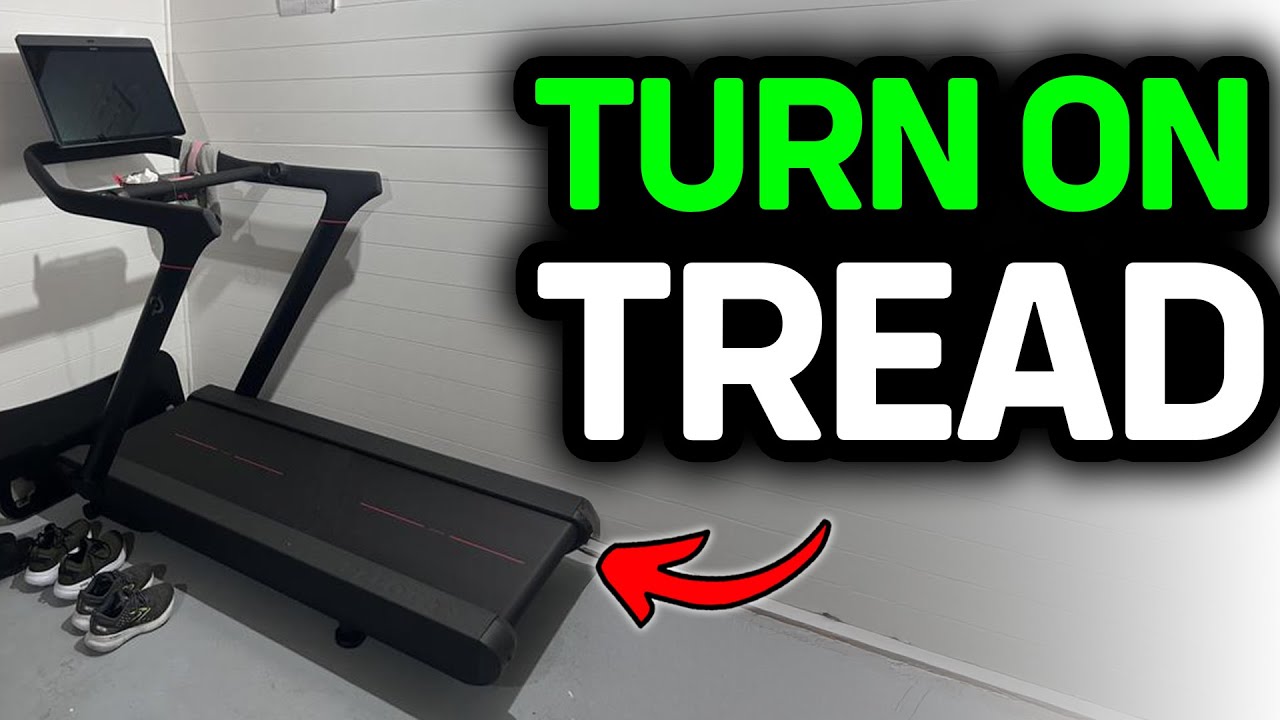
Frequently Asked Questions of how to turn on peloton treadmill
Why won’t my Peloton treadmill turn on after a power outage?
First, check the circuit breaker and reset any tripped switches. Wait 30 seconds, reinsert the safety key, and press the power button; if it still won’t start, try a different outlet.
What does the safety key do on a Peloton treadmill?
The safety key completes the console circuit and enables the machine to boot. The treadmill will not power on or will shut off if the key is missing or detached.
How long should the console take to boot?
The console typically boots within 30 to 60 seconds. If it takes longer, try restarting the treadmill or checking your internet connection for updates.
Can I use an extension cord to power my Peloton treadmill?
It’s best to avoid extension cords and use a dedicated outlet instead. Using an extension cord can cause voltage drops and risk tripping breakers or damaging the treadmill.
What if the screen is on but the belt won’t move?
Check that the safety clip is attached and the machine is in a warm-up or walking mode. If the motor stays unresponsive, power cycle the unit and contact support if the issue persists.
Conclusion
Turning on a Peloton treadmill is usually quick when you know the steps: plug in, insert the safety key, and press the power button. Do a fast safety check every time, keep the unit maintained, and follow the troubleshooting steps if the console or motor fails to start. Start with these habits and you’ll cut setup time and avoid service calls. Try these steps the next time you power up, share your experience, and subscribe or leave a comment if you want more setup tips or troubleshooting help.

Brandon Knoxley is a sport & fitness writer and training guide contributor at MySportFitHub. He focuses on practical workouts, performance-based training, and honest fitness gear insights designed for real people and real results. Brandon is passionate about helping beginners and active individuals train smarter, avoid common mistakes, and build sustainable fitness habits.


