
Does iPhone Track Steps on Treadmill: Accuracy Guide
Yes, an iPhone can track treadmill steps, but accuracy depends on where you carry it.
The iPhone uses motion sensors to estimate walking steps through the Health and Fitness apps. It can work well on a treadmill, but your results may differ from the treadmill display or an Apple Watch. This guide explains how iPhone step tracking works, how to improve accuracy, and what to do when your steps are missing.
How Does iPhone Track Steps on a Treadmill?
An iPhone tracks steps with its accelerometer and gyroscope. These sensors detect repeated movement patterns that look like walking. The Health app then turns those movements into an estimated step count.
The iPhone does not directly count each time your foot touches the belt. Instead, it looks for motion in your body or in the phone itself. Think of it like a small motion detective. It studies rhythm, direction, and speed to decide whether you are walking.
An iPhone can track treadmill steps when:
• You carry it in a pocket or on your body
• Motion & Fitness tracking is enabled
• The Health app has permission to read motion data
• The phone moves enough to detect your walking pattern
If your iPhone sits on the treadmill shelf, it may record few steps or none at all. The phone is not moving with your body, so its sensors have little useful data.
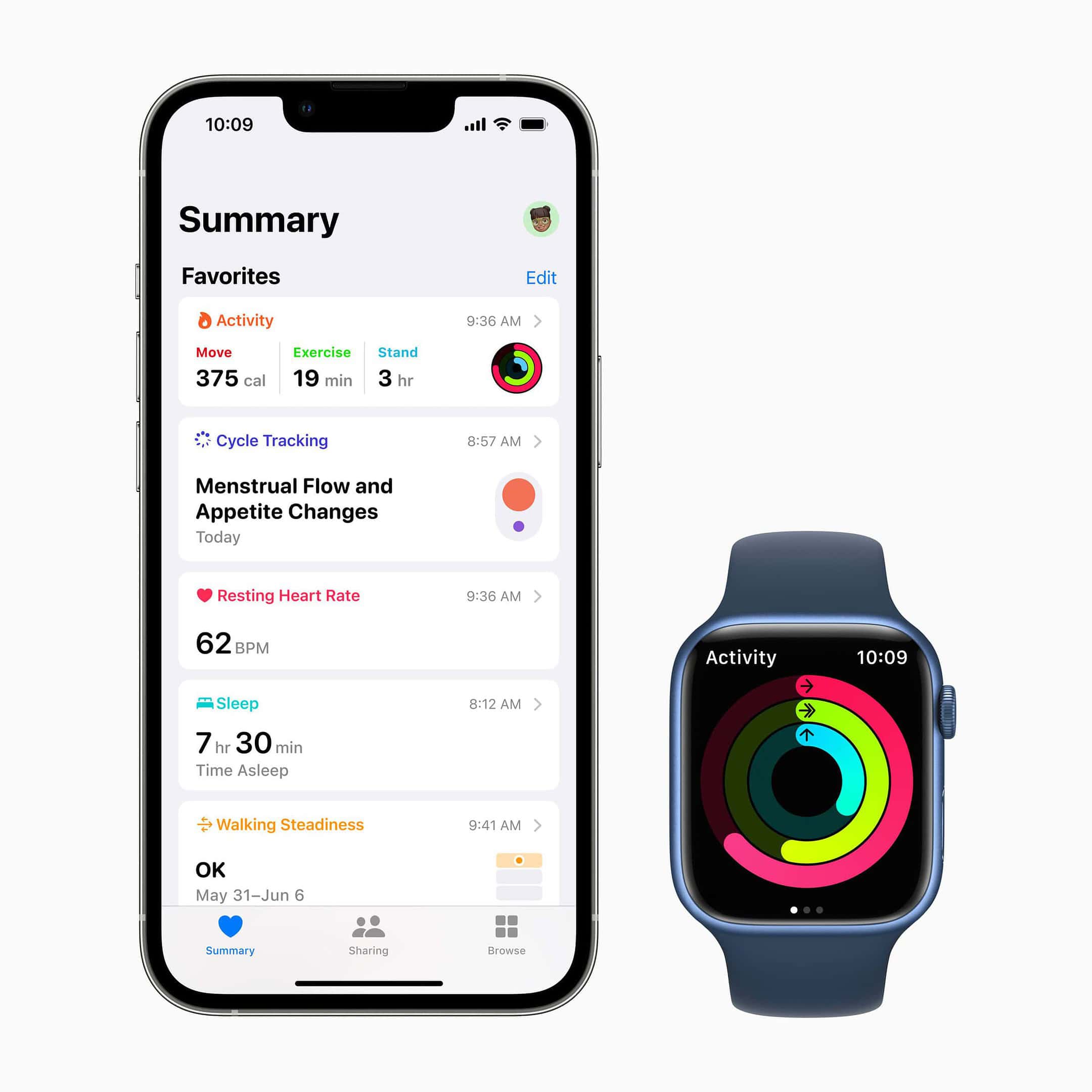
Does iPhone Track Steps on a Treadmill Without an Apple Watch?
Yes, the iPhone can track treadmill steps without an Apple Watch. It can record steps through its built-in sensors when you carry it during your walk.
However, an Apple Watch often gives better results during treadmill workouts. It sits on your wrist and detects arm movement, heart rate, pace, and workout time. During indoor walks, the watch can also use your stride history and calibration data to estimate distance.
The iPhone is still useful for basic step tracking. It may be enough if your main goal is to monitor daily movement. An Apple Watch becomes more helpful when you want:
• Treadmill distance
• Indoor walking pace
• Heart rate data
• Workout calorie estimates
• Live workout feedback
A key point is that the iPhone and Apple Watch may not show the same number. Both devices use different positions and sensors. That does not always mean one device is broken.
Why Treadmill Steps May Be Less Accurate
Treadmill walking creates a special tracking problem. Outside, your body moves forward through space. On a treadmill, your feet move, but the belt carries you back to the same place.
The iPhone must estimate steps from motion rather than outdoor travel. This can lead to differences in step count and distance. Most people will see a reasonable estimate, but it should not be treated as a laboratory measurement.
Common causes of inaccurate iPhone treadmill steps include:
Holding the Handrails
Holding the rails keeps your hands still. If the iPhone is in your hand or attached to your wrist, it may not sense the usual walking rhythm.
This is one of the most common reasons an iPhone misses treadmill steps. It can also reduce the accuracy of an Apple Watch because the watch depends partly on arm movement.
Keeping the iPhone on the Treadmill
An iPhone placed on the console cannot feel your body moving. It may count steps only when you touch it or move it.
The treadmill itself may show steps or distance using its own sensors. Those readings do not automatically transfer to Apple Health.
Walking With an Uneven Rhythm
Short pauses, speed changes, and uneven steps can confuse motion algorithms. This is more likely when you walk slowly or hold a phone in an unusual position.
Carrying the Phone in a Loose Bag
A loose bag may swing in a way that does not match your steps. The phone may count extra movement or miss steps. A secure pants pocket is usually a better choice.
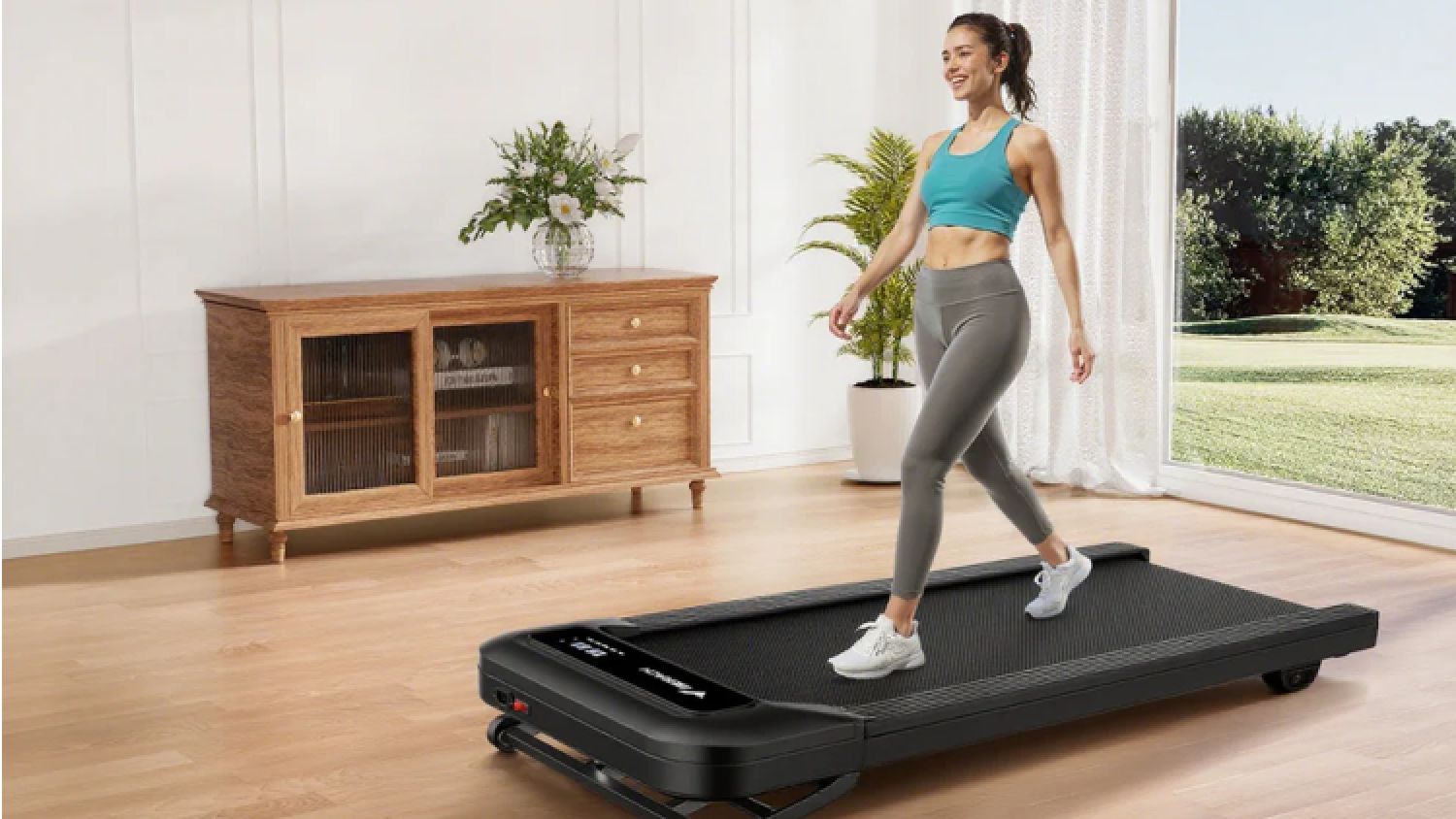
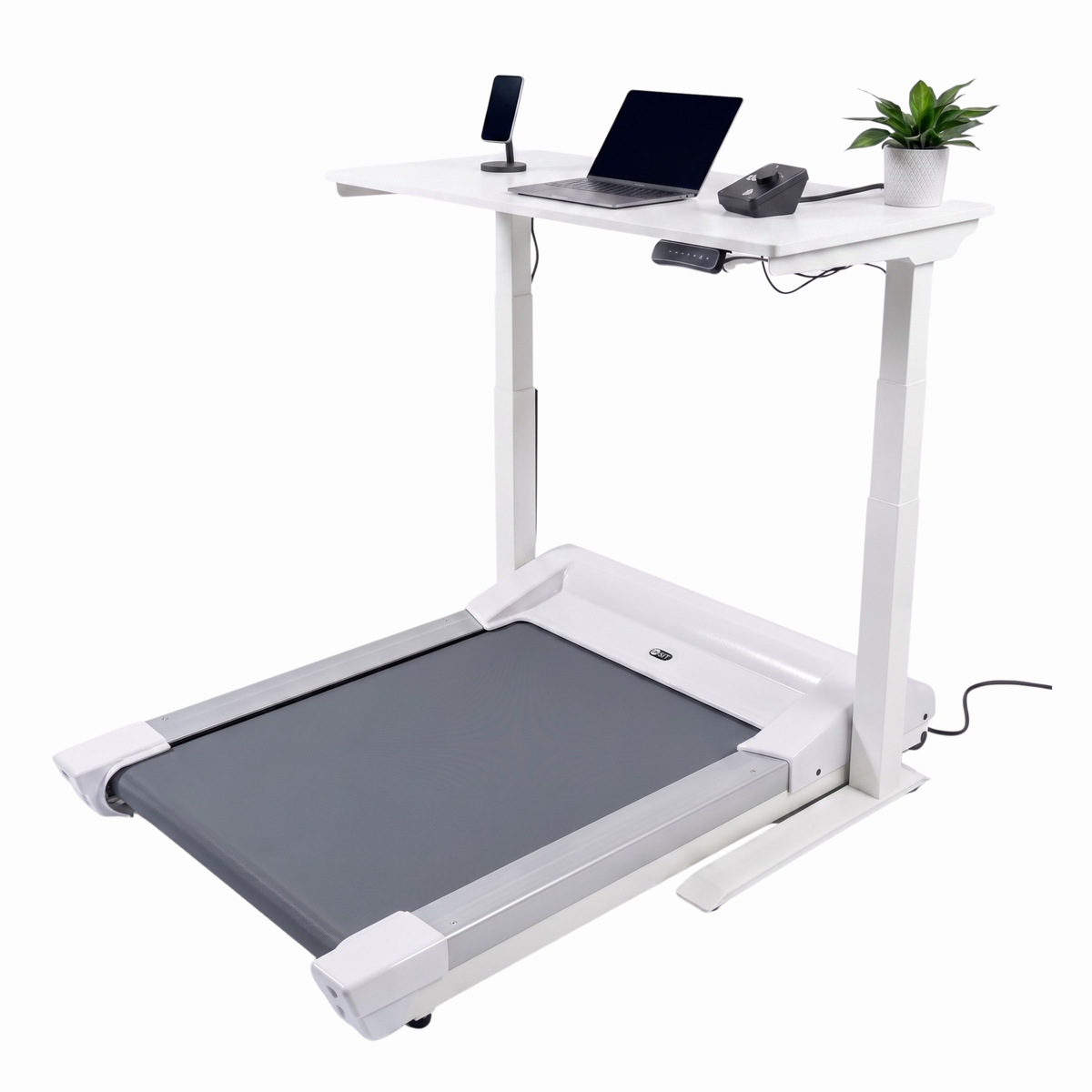
Using a Walking Pad While Working
Walking slowly while typing or holding a desk may reduce arm movement. The iPhone may track some steps, but the count can be lower than expected.

The Best Way to Make iPhone Treadmill Step Tracking More Accurate
The simplest method is to carry your iPhone in a secure pants pocket. This lets the phone move with your hips and legs, even when your arms are busy.
For more consistent results, follow these steps:
-
Keep the iPhone in the same pocket during each walk.
-
Walk at a steady speed for at least 10 to 15 minutes.
-
Avoid holding the treadmill rails unless you need support.
-
Keep your natural arm swing when it is safe to do so.
-
Check that Motion & Fitness access is enabled.
-
Keep iOS and the Health app updated.
-
Compare the result with the treadmill after several sessions, not just one.
Calibration also matters. Outdoor walking can help the iPhone or Apple Watch learn your stride and movement pattern. A steady outdoor walk of about 20 minutes may improve distance estimates, especially when an Apple Watch is involved.
Do not change your stride just to make the number rise. Walk naturally. A stable routine usually produces more useful data than a forced, exaggerated arm swing.
How to Check iPhone Motion and Health Settings
If your iPhone does not count treadmill steps, check its permissions first. A setting may prevent the Health app from receiving motion data.
Open the following areas:
Check Motion & Fitness
Go to:
Settings > Privacy & Security > Motion & Fitness
Make sure Fitness Tracking is on. If the Health app appears in the list, allow its access.
Check Health Permissions
Open the Health app and tap your profile picture. Then select Apps or Devices, choose the relevant app, and review its permissions.
Allow access to:
• Steps
• Walking + Running Distance
• Active Energy, if you want calorie estimates
Check Data Sources
In the Health app, open the step count page and review Data Sources & Access. The iPhone, Apple Watch, and other apps may all send data to Apple Health.
Apple Health usually gives priority to data sources based on device settings and source order. If several apps report the same activity, duplicate records may affect what you see.
Restart and Update
A simple restart can fix temporary sensor or app issues. It is also wise to install current software updates, since tracking features can change over time.

How to Add Treadmill Workouts to Apple Health
The treadmill display and Apple Health are separate systems. In most cases, the treadmill cannot send its step count to your iPhone unless it supports a compatible connection or app.
You can still record the workout manually. In the Health app, add a workout or walking distance entry with the correct date and duration. Manual entries can help preserve your exercise history, but they do not create sensor-based step data.
Some treadmill brands offer companion apps. These apps may send workout time, distance, or calories to Apple Health. Check the app’s permissions before connecting it.
Keep in mind that manually entered distance does not always equal manually entered steps. You can add the information you know, but avoid guessing a highly precise step count.

iPhone Steps Versus Treadmill Distance
Steps and distance are related, but they are not the same measurement. Two people can walk the same treadmill distance and take different numbers of steps because stride length varies.
For example, a person with a shorter stride may take more steps to cover one mile. A taller person may take fewer steps. Treadmill distance also depends on belt speed and how accurately the machine is maintained.
Use the treadmill for a rough distance estimate and the iPhone for a general step trend. If the iPhone records about 4,500 steps one day and 6,000 another day, that difference can still be useful even if the exact count is not perfect.
Research on consumer activity trackers shows that step counts can vary by device, walking speed, body position, and activity type. These devices are best for monitoring patterns over time. They are not substitutes for clinical measurement.
Can an iPhone Count Steps While You Hold the Treadmill Rails?
It may count some steps, but the result can be lower than your real number. Holding the rails reduces the movement that the iPhone can detect.
If you must use the rails for balance, place the iPhone in a pocket rather than holding it. A phone near your hip may still detect body motion better than a phone resting on the treadmill.
Safety comes first. Do not stop using the rails if you feel unsteady. Accurate step data is never more important than avoiding a fall.
Does the iPhone Count Steps When It Is in a Pocket?
Yes, a pocket is often one of the best places to carry an iPhone for treadmill step tracking. The phone can sense the rise, fall, and forward movement of your hips.
A tight or secure pocket works better than a loose jacket pocket. A loose pocket may let the phone bounce too much or remain still while your body moves.
If your phone is too large for your pocket, consider a secure waist belt. Avoid placing it on the treadmill console during the workout if step tracking is your goal.
My Practical Treadmill Tracking Advice
A useful real-world test is to compare the same walk in three setups:
• The iPhone in a pants pocket
• The iPhone in your hand
• The iPhone on the treadmill shelf
Walk at the same speed for 20 minutes each time. Record the iPhone steps and the treadmill’s distance. You will often find that the pocket produces the most stable step count, while the shelf produces the least useful result.
The biggest lesson is consistency. If you change where you carry the phone every day, your results will be harder to compare. Use the same device position and similar walking conditions when tracking progress.
Another common mistake is checking one short workout and assuming the device failed. A five-minute walk may not provide enough movement for a strong estimate. Look at a full week of data instead.
Benefits of Using an iPhone for Treadmill Step Tracking
The iPhone offers several practical benefits for people who want simple activity data.
• It is already in your pocket, so there is no extra device to buy.
• Apple Health stores steps, distance, and activity history in one place.
• You can compare walking habits across days, weeks, and months.
• Other fitness apps can use Health data with your permission.
• You can set movement goals and reminders.
• The data can support broader health habits, such as taking more daily walks.
Step tracking can be motivating, but do not let the number control your mood. A lower count may reflect a missing phone, a rail-supported workout, or a sensor limit. It does not always mean you moved less.
Limitations and Privacy Considerations
The iPhone does not know every detail of your workout. It estimates steps based on sensor signals. It may struggle with very slow walking, side steps, incline changes, frequent stops, or unusual carrying positions.
Step data can also be affected by which device is active. If you use an iPhone and Apple Watch, Apple Health may combine or prioritize records. Review data sources if the numbers seem unusually high or low.
Health information is sensitive. Only give apps the permissions they need. Review connected apps from time to time and remove access you no longer want to share.
For medical or rehabilitation goals, follow advice from a qualified health professional. A phone can support tracking, but it should not replace clinical tools or professional judgment.
How to Use iPhone Step Data the Right Way
Use the data as a guide, not a perfect score. A simple weekly review can show whether your walking habit is growing.
Try this approach:
-
Choose a realistic daily step goal.
-
Carry the iPhone in the same place.
-
Track both treadmill and outdoor walks.
-
Review weekly averages instead of one workout.
-
Note unusual conditions, such as holding rails or walking while working.
-
Adjust your routine based on trends.
For example, if your normal average is 5,000 steps and you want to become more active, add 500 to 1,000 steps at a time. Small changes are easier to maintain than a sudden goal of 15,000 steps.
Frequently Asked Questions About Does iPhone Track Steps on Treadmill
Does iPhone track steps on treadmill when it is on the console?
Usually, it will not track steps accurately when it stays on the treadmill console. The phone needs to move with your body to detect walking.
Does iPhone track steps on treadmill in your pocket?
Yes, an iPhone can track steps in a secure pocket. This position often works better than holding the phone or leaving it on the treadmill.
Why is my iPhone not counting treadmill steps?
Check Motion & Fitness permissions, Health app access, and the phone’s position. Holding the rails, walking very slowly, or leaving the phone still can also cause missing steps.
Is an Apple Watch more accurate than an iPhone on a treadmill?
An Apple Watch may provide better treadmill workout data because it measures wrist motion and heart rate. Accuracy still depends on fit, calibration, walking style, and whether you hold the rails.
Can a treadmill send steps to Apple Health?
Some treadmills can share workout data through a compatible app or connection. Many cannot send data directly, so you may need to record the workout manually.
Does iPhone treadmill step tracking use a lot of battery?
Basic step tracking usually has a modest battery effect. Streaming music, using GPS, running workout apps, and keeping the screen bright will use more battery than step counting alone.
Conclusion
An iPhone can track steps on a treadmill, especially when you carry it in a secure pocket and allow motion tracking. It may miss steps when it rests on the console, when you hold the rails, or when your walking pattern changes.
Treat the number as a helpful estimate and focus on steady trends. Test your setup, keep your phone in the same place, and review your weekly progress. For deeper workout data, consider pairing the iPhone with an Apple Watch or a compatible fitness app, and share your treadmill tracking experience in the comments.

Brandon Knoxley is a sport & fitness writer and training guide contributor at MySportFitHub. He focuses on practical workouts, performance-based training, and honest fitness gear insights designed for real people and real results. Brandon is passionate about helping beginners and active individuals train smarter, avoid common mistakes, and build sustainable fitness habits.


