How To Connect Apple Watch To Life Fitness Treadmill: Easy Guide
Connect your Apple Watch to a compatible Life Fitness treadmill through GymKit, then start and save your workout.
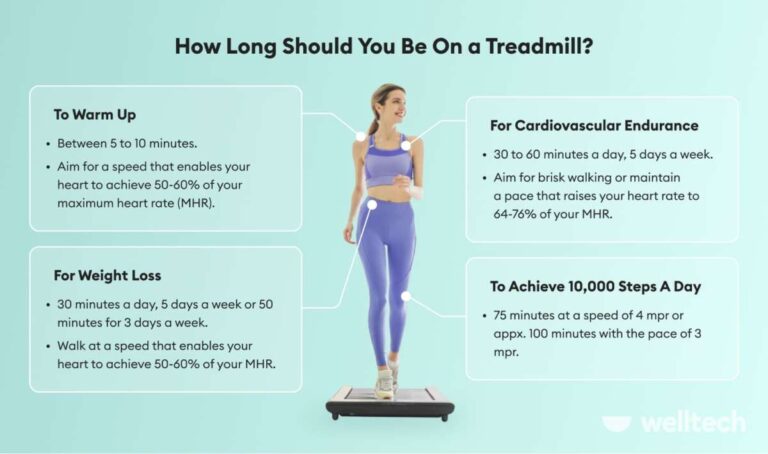
Learning how to connect Apple Watch to Life Fitness treadmill equipment is simple once you know which console features to check. This guide explains GymKit pairing, Bluetooth limits, workout tracking, common errors, and easy fixes so your speed, distance, heart rate, and calories stay as accurate as possible.
Check Whether Your Life Fitness Treadmill Supports Apple Watch
The first step in learning how to connect Apple Watch to Life Fitness treadmill equipment is checking the treadmill console. Not every Life Fitness treadmill supports Apple GymKit.
Look for one of these signs:
• An Apple Watch or GymKit logo near the console
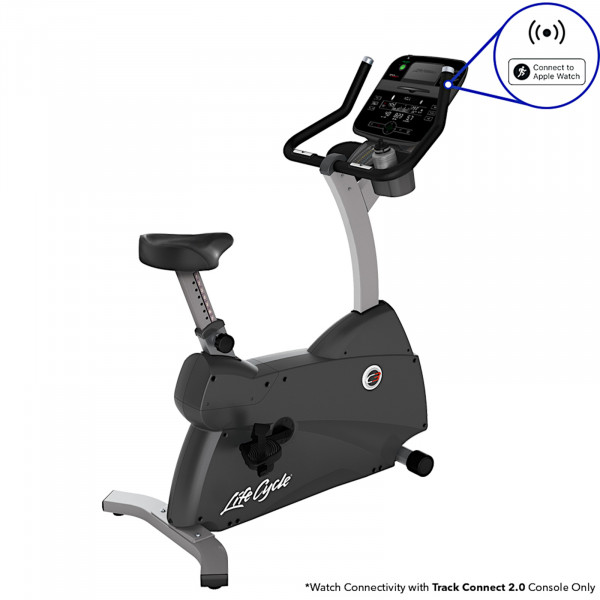
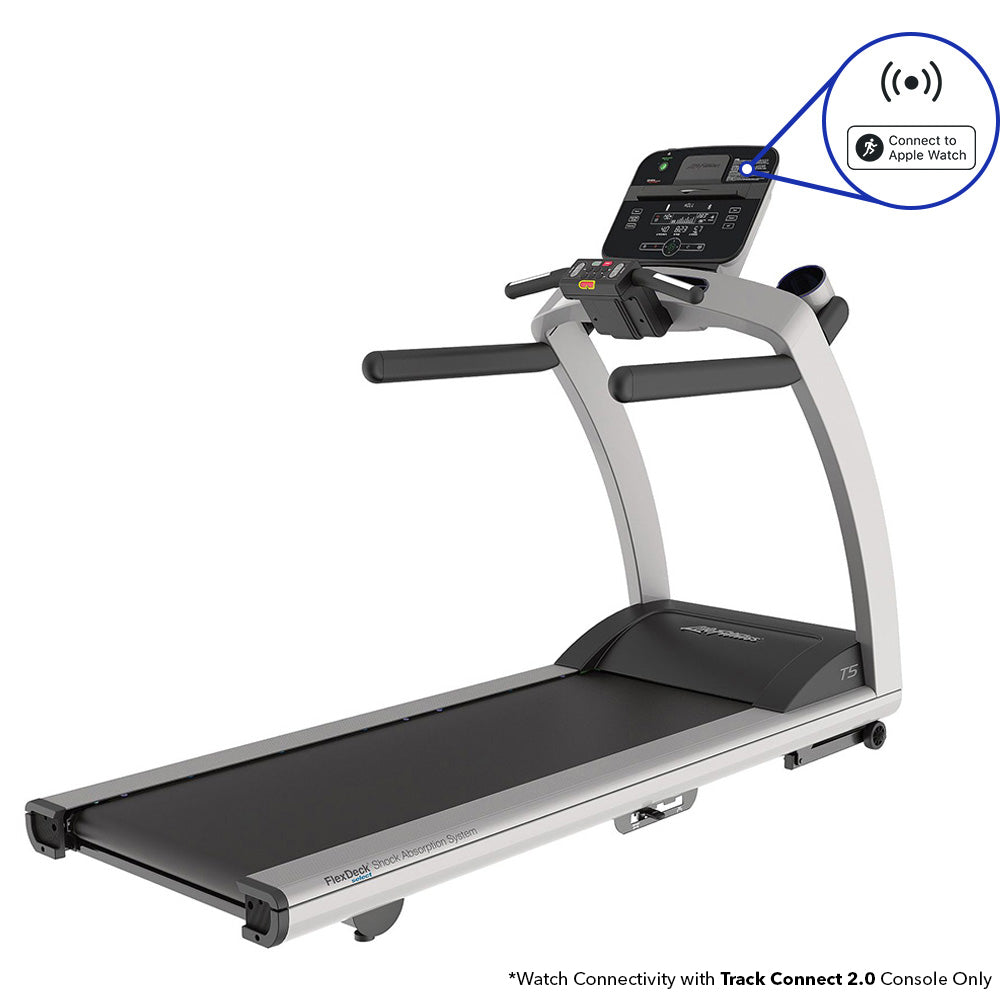
• A contactless symbol or NFC reader
• A message such as “Hold Apple Watch Near Reader”
• A newer Life Fitness console with built-in Apple Watch support
Many commercial treadmills in gyms, hotels, universities, and apartment fitness rooms may support GymKit. However, the exact feature depends on the treadmill model, console version, software, and facility settings.
If you do not see a GymKit symbol, ask the gym staff for the model number. The treadmill may still record your workout on Apple Watch, but it may not share live data with the console.

Prepare Your Apple Watch and Treadmill
Before you try to connect Apple Watch to Life Fitness treadmill, prepare both devices. A quick check can prevent most pairing problems.
On your Apple Watch
Make sure your Apple Watch meets these basic requirements:
• It runs a recent version of watchOS
• It has enough battery for the full workout
• Wrist Detection is turned on
• Passcode protection is enabled
• Bluetooth is active on the paired iPhone and watch
• Your Apple Watch fits snugly above your wrist bone
To check Wrist Detection, open the Watch app on your iPhone. Tap “Passcode” and confirm that Wrist Detection is enabled. This feature helps the watch measure your heart rate and recognize that you are wearing it.
Also check your workout settings. On the watch, open Settings, select Workout, and review options such as Auto-Start Workout and End Workout Reminder. These settings are useful, but starting the workout manually gives you more control.
On the treadmill
Wake the treadmill and wait for the main workout screen. Some consoles hide the Apple Watch reader until you select a workout type, such as Manual, Quick Start, or Indoor Run.
Remove thick clothing or wristbands that may block the watch from reaching the reader. You usually do not need to open the Wallet app or display a payment card.

How to Connect Apple Watch to Life Fitness Treadmill With GymKit
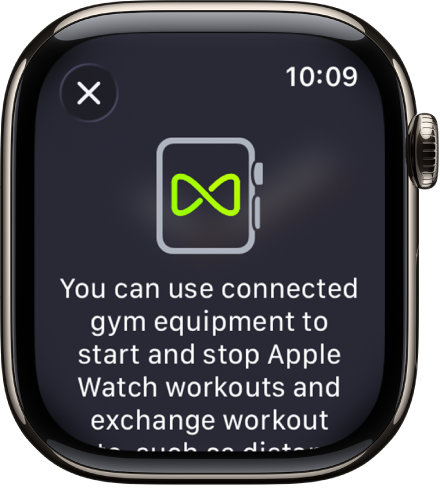
GymKit is the easiest way to connect Apple Watch to Life Fitness treadmill equipment. It uses near-field communication, or NFC, rather than normal Bluetooth pairing.
Follow these steps:
-
Turn on the Life Fitness treadmill and choose your workout mode.
-
Open the Workout app on your Apple Watch.
-
Select Indoor Run or Indoor Walk.
-
Hold the display of your Apple Watch close to the treadmill’s contactless reader.
-
Keep the watch still for a few seconds.
-
Wait for the watch to show a connection message.
-
Confirm the connection if the treadmill or watch asks for permission.
-
Press Start on the treadmill.
-
Begin walking or running after the belt reaches a safe speed.
The reader is often located near the top of the console. It may be beside the screen, close to the phone holder, or near the heart rate display. If you cannot find it, look for the Apple Watch logo or ask a staff member.
When the connection works, the treadmill and Apple Watch can exchange workout information. Depending on the equipment, this may include speed, distance, incline, heart rate, and elapsed time.
A useful lesson from real-world gym setups is to hold the watch still instead of waving it over the reader. NFC works over a short range, much like tapping a transit card. Moving the watch too quickly can cause the reader to miss it.
What Happens After the Apple Watch Connects?
Once you connect Apple Watch to Life Fitness treadmill equipment, the watch may show a confirmation screen. The treadmill can then use heart rate data from your watch, while the watch may receive information from the treadmill.
Supported data varies by model. Common information includes:
• Current speed
• Distance
• Incline
• Heart rate
• Workout time
• Calories
• Pace
The treadmill may display your Apple Watch heart rate instead of using its built-in hand sensors. This is helpful because holding the metal sensors can change your natural running form.
At the end of the workout, stop the treadmill first or slow it to a walk. Then tap End on the Apple Watch and choose Done. Your workout should save in the Fitness app on your iPhone.
Do not assume that every value will match perfectly. The treadmill measures belt movement, while the Apple Watch estimates distance from motion, stride, and calibration. Small differences are normal.
How to Connect Apple Watch to Life Fitness Treadmill Without GymKit
If the treadmill does not support GymKit, you can still track the workout with Apple Watch. In this case, the watch records your activity independently.
To do this:
-
Open the Workout app on your Apple Watch.
-
Choose Indoor Run or Indoor Walk.
-
Tap the More button if you want to set a time, distance, or calorie goal.
-
Press Start.
-
Begin your treadmill workout.
-
Stop the workout on the watch when you finish.
This method does not create a true treadmill-to-watch data connection. The watch simply uses its sensors to estimate your workout.
You can improve accuracy by calibrating the watch outdoors. Walk or run outside for about 20 minutes in an open area with a clear view of the sky. Keep the watch fitted securely and maintain a natural pace.
Calibration helps the Apple Watch learn your stride. It can make indoor distance estimates more reliable, especially when you run often on a treadmill.
Can Bluetooth Pair Apple Watch With a Life Fitness Treadmill?
Many Life Fitness treadmills support Bluetooth devices, but Bluetooth support does not always mean Apple Watch support. A treadmill may use Bluetooth for headphones, a heart rate chest strap, or the Life Fitness mobile app.
Apple Watch GymKit connections usually rely on NFC. This is different from opening the iPhone Bluetooth menu and pairing a speaker.
If the treadmill shows a Bluetooth pairing screen, you can try selecting the watch. However, Apple Watch does not function like a standard Bluetooth heart rate strap on every treadmill. Some models may not detect it at all.
For the most reliable result:
• Use GymKit when the console supports it
• Use a compatible Bluetooth heart rate strap if the treadmill lacks GymKit
• Track the workout directly with the Apple Watch Workout app
• Avoid pairing several heart rate devices at the same time
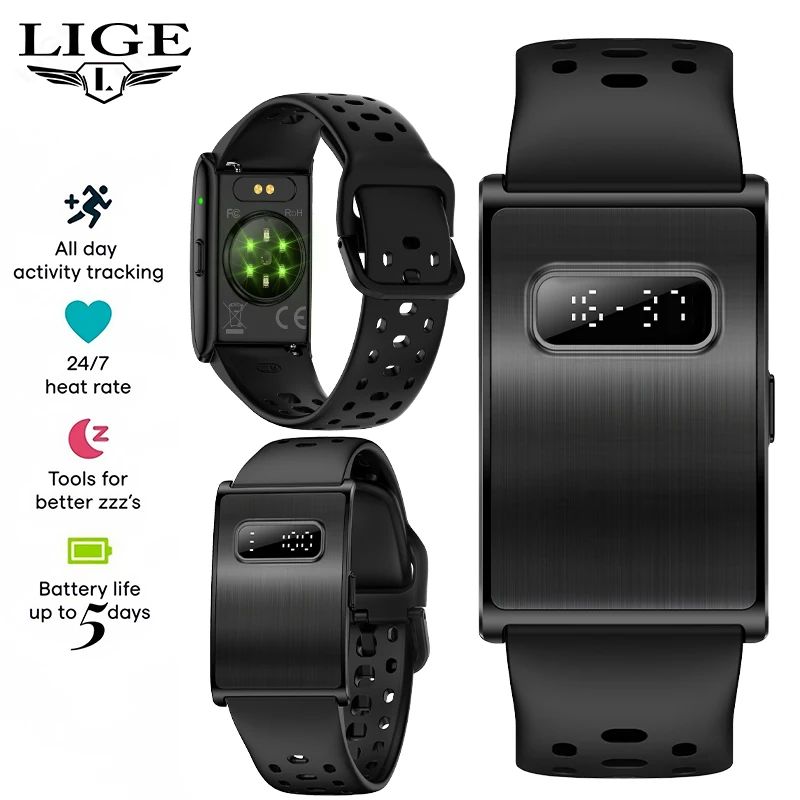
A chest strap may provide a steadier heart rate signal during intervals or intense runs. The Apple Watch is convenient, but wrist-based readings can change when you grip rails, bend your wrist, or move your arms sharply.

Troubleshooting Apple Watch and Life Fitness Treadmill Connection Problems
If you cannot connect Apple Watch to Life Fitness treadmill equipment, work through these fixes in order.
The treadmill does not recognize the watch
Check that the treadmill actually supports GymKit. Then make sure the screen is awake and a workout mode is selected.
Hold the watch face directly over the reader. Try moving it slowly by a few inches rather than tapping the console. Remove a thick watch case if you use one.
The watch opens Apple Pay instead
The reader may be detecting the watch as a payment device. Move the watch to the correct NFC area on the console. Do not press the side button or Digital Crown while positioning it.
If Apple Pay appears, close it and try again with the Workout app already open.
The watch connects but no heart rate appears
Check that the watch is snug and that Wrist Detection is active. Clean the back sensor and your skin if sweat or lotion affects contact.
You can also restart both devices. If the treadmill has a heart rate source menu, select Apple Watch or wireless heart rate rather than hand sensors.
The workout data looks wrong
Confirm that you selected Indoor Run or Indoor Walk. Selecting Outdoor Run while indoors can reduce accuracy because the watch expects GPS information.
Also check whether you held the treadmill rails. Holding the rails reduces arm movement and can make the Apple Watch estimate distance and calories incorrectly.
The connection drops during the workout
Keep the watch on the same wrist and avoid placing your hand far from the console after pairing. A GymKit connection may stop if the watch moves out of range for too long.
Update the watch and ask the gym whether the treadmill console needs a software update. Facility equipment can remain offline or use older firmware for long periods.
Ways to Improve Apple Watch Treadmill Accuracy
Knowing how to connect Apple Watch to Life Fitness treadmill is only part of the process. Proper setup also matters.
Use these habits for better results:
• Wear the watch firmly, but not so tightly that it feels uncomfortable.
• Keep your personal information and health details up to date in the Health app.
• Select the correct workout type.
• Avoid holding the handrails unless you need support.
• Calibrate the watch with outdoor walks or runs.
• Enter the treadmill speed and incline accurately if the machine asks for them.
• Keep the treadmill belt clean and properly maintained.
• Compare results over time instead of judging one workout.
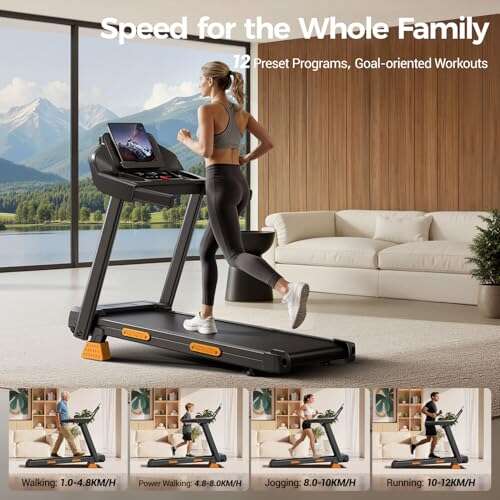
Treadmill incline also affects how a workout feels, even when speed stays the same. A 5 percent incline demands more effort than a flat run, but the watch and treadmill may calculate calories differently.
Neither device is a medical-grade measurement tool. Treat the numbers as useful training estimates, not exact laboratory results.
Apple Watch Workout App Versus Life Fitness Connect App
The Apple Watch Workout app is often enough for basic treadmill tracking. It saves the workout to Apple Health and displays key details after you finish.
Some facilities also use a Life Fitness app or connected fitness account. That app may store equipment workouts, facility challenges, or training history. The app and Apple Watch can sometimes work together, but they are not the same connection method.
GymKit connects the watch directly to compatible equipment. A mobile app may connect through your phone, a QR code, or a separate user account.
Choose one primary record when possible. Recording the same workout on multiple apps can create duplicate entries in Apple Health. If duplicate workouts appear, review your data sources and priority settings in the Health app.
Safety Tips When Using Apple Watch on a Treadmill
Technology should make training easier, not distract you from safe movement.
Keep these points in mind:
• Start at a slow speed while checking the connection.
• Use the treadmill safety clip when available.
• Do not stare at the watch while running fast.
• Avoid reaching across the moving belt.
• Step onto the side rails if you need to adjust the watch.
• Stop the treadmill before changing complex settings.
• Do not rely on the Apple Watch for emergency protection.
A watch can record heart rate, but it cannot replace medical advice. Stop exercising if you feel chest pain, severe dizziness, unusual shortness of breath, or sudden weakness.
Frequently Asked Questions
Can every Life Fitness treadmill connect to an Apple Watch?
No. The treadmill must have compatible Apple GymKit hardware and software. Look for the Apple Watch logo, NFC reader, or a GymKit message on the console.
Do I need Bluetooth to connect Apple Watch to Life Fitness treadmill?
Usually, GymKit uses NFC rather than a standard Bluetooth pairing process. Bluetooth may still be used for headphones, apps, or heart rate straps, depending on the treadmill model.
Why does my Apple Watch not connect to the treadmill?
The treadmill may not support GymKit, or you may be holding the watch over the wrong area. Check Wrist Detection, open the Workout app, wake the console, and hold the watch still near the contactless reader.
Can Apple Watch track a Life Fitness treadmill without pairing?
Yes. Open Indoor Run or Indoor Walk in the Workout app and start the session manually. The watch will estimate your workout using its motion sensors, but it will not receive data directly from the treadmill.
Will the treadmill and Apple Watch show the same distance?
Not always. The treadmill measures belt movement, while the Apple Watch estimates distance from motion and calibration. Minor differences are normal, especially when you hold the rails or change your stride.
Can Apple Watch show my heart rate on the Life Fitness treadmill?
A compatible GymKit treadmill may display Apple Watch heart rate. If the treadmill lacks GymKit, use its hand sensors or a compatible Bluetooth chest strap instead.
Conclusion
The simplest way to connect Apple Watch to Life Fitness treadmill equipment is to use GymKit. Open the Workout app, select Indoor Run or Indoor Walk, hold the watch near the treadmill’s NFC reader, and start exercising.
If the treadmill does not support GymKit, track the session directly on your Apple Watch and improve results through outdoor calibration. Check the console features, keep your watch secure, and remember that small differences between treadmill and watch data are expected.
Try these steps during your next workout, then explore your Apple Fitness and Health data to track progress over time.

Brandon Knoxley is a sport & fitness writer and training guide contributor at MySportFitHub. He focuses on practical workouts, performance-based training, and honest fitness gear insights designed for real people and real results. Brandon is passionate about helping beginners and active individuals train smarter, avoid common mistakes, and build sustainable fitness habits.