How To Connect Watch To Treadmill: Easy Setup Guide
Pair your watch through Bluetooth, select the treadmill profile, and calibrate speed and distance after each run.
Learning how to connect watch to treadmill can make indoor workouts more useful and consistent. The exact steps vary by Apple Watch, Garmin, Fitbit, Samsung Galaxy Watch, Polar, and the treadmill itself, but the core process is simple: pair the right devices, choose the correct workout mode, and check the data for accuracy. This guide explains each step, common limits, and practical fixes that help your watch track indoor runs with fewer errors.
What Connecting a Watch to a Treadmill Actually Does
When you connect a watch to a treadmill, the devices may share workout data through Bluetooth, Wi-Fi, or a special platform such as Apple GymKit. The treadmill can send speed, pace, distance, heart rate, and workout time to your watch.
However, not every treadmill can send data. Many basic home treadmills only display information on their own screen. In that case, your watch can still record the workout, but it may not receive live treadmill data.
There are two common connection types:
• Watch to treadmill: The watch receives data from the treadmill.
• Watch to chest strap or heart-rate monitor: The watch receives heart-rate data from another sensor.
• Watch to phone or fitness app: The watch sends recorded workout data to an app after or during the workout.
Connecting a watch to a treadmill is not always the same as pairing wireless headphones. Some watches can receive heart-rate data but cannot control treadmill speed. Others can control compatible treadmills through a special app.

Before You Connect Your Watch
A few quick checks can prevent most pairing problems. Start by charging both devices and placing them close together. Bluetooth connections often fail when the watch battery is very low or when several nearby devices compete for the same signal.
Check these items before starting:
• Update the watch software and the treadmill console software, if an update is available.
• Turn on Bluetooth on the watch.
• Confirm that the treadmill supports Bluetooth data sharing, FTMS, ANT+, or a brand-specific connection.
• Open the treadmill manufacturer’s app if the machine requires one.
• Remove old or unused Bluetooth connections from the watch.
• Wear the watch firmly above your wrist bone.
• Clean the watch sensors and make sure the back of the watch touches your skin.
If you use a gym treadmill, ask whether the machine supports watch pairing. Some treadmills allow wireless headphones but do not support fitness-watch data. Those are different Bluetooth functions.
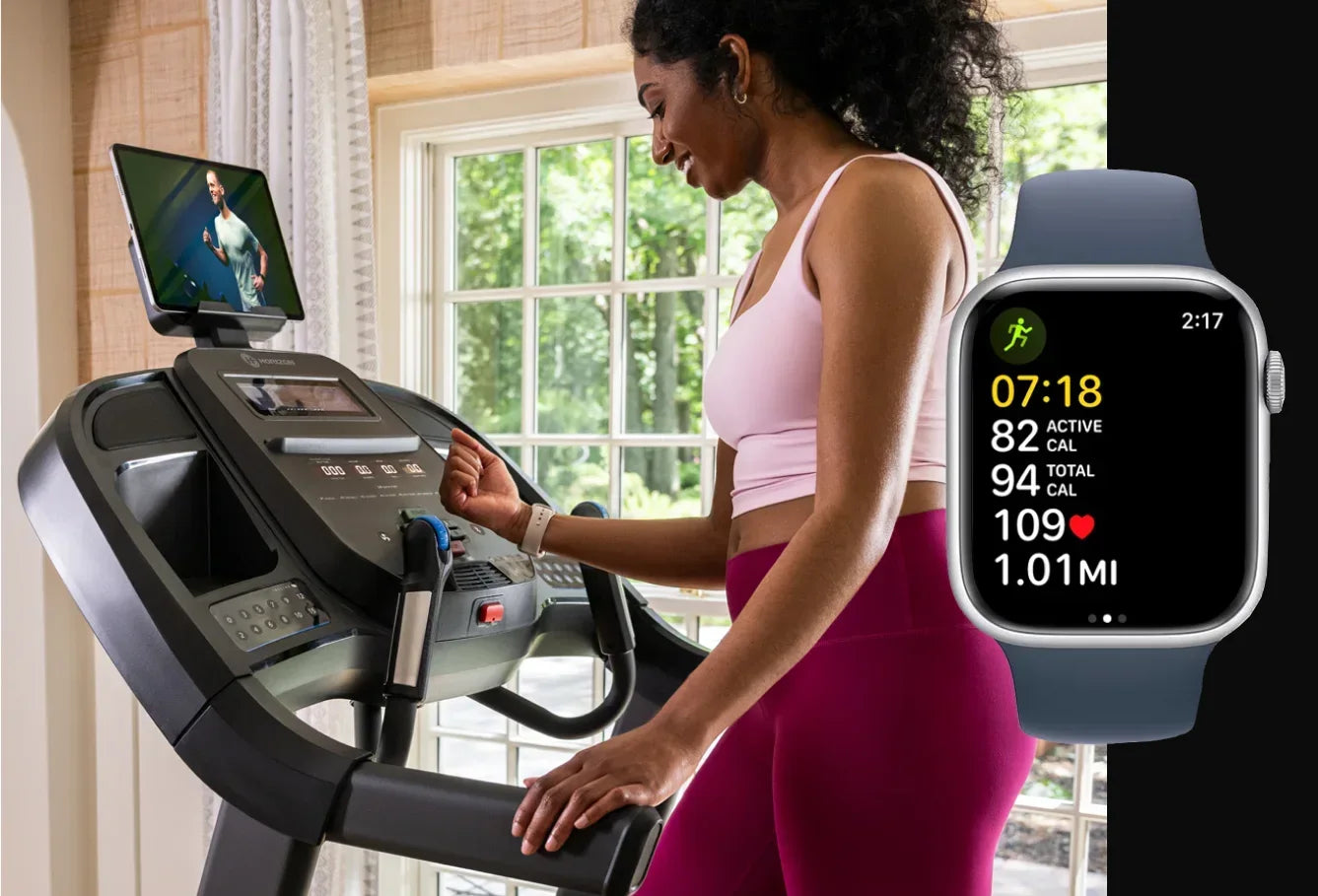
How to Connect Watch to Treadmill Step by Step
The following steps work for many modern watches and treadmills. Menu names may differ slightly by brand.
1. Turn on the treadmill
Plug in the treadmill and wait for the console to fully load. Some machines do not activate Bluetooth until the walking belt starts moving or a workout screen opens.
Stand near the front of the treadmill. Keep the watch within a few feet of the console during setup.
2. Open the workout screen on your watch
Choose the indoor running or treadmill workout on the watch. This step matters because some watches only search for compatible equipment while an indoor workout is active.
Common workout names include:
• Indoor Run
• Treadmill
• Walk Indoor
• Running Machine
• Cardio
Use Indoor Run when you plan to run. Use Indoor Walk when you plan to walk. The watch uses different movement patterns and calibration data for each mode.
3. Open the treadmill’s connection menu
Look for a menu labeled Connect, Sensors, Bluetooth, Wireless, Equipment, or External Devices. On some treadmills, the pairing option appears under Settings.
If you see a Bluetooth logo, select it. If you see FTMS, the treadmill may support a broader fitness-equipment connection that works with several apps and watches.
4. Select your watch
Choose the watch from the list of available devices. The name may show as the watch model, a short device code, or the owner’s name.
If the treadmill asks for a code, compare the number shown on both screens. Approve the connection on the watch when prompted.
5. Confirm the data fields
After pairing, check which information appears on the watch. Depending on the devices, you may see:
• Treadmill speed
• Distance
• Current pace
• Incline
• Heart rate
• Calories
• Workout time
Do not assume that every displayed field comes from the treadmill. Your watch may calculate heart rate and calories while receiving speed and distance from the machine.
6. Start the workout
Begin the treadmill belt, then start the workout on the watch. Starting both devices helps them record the same time period.
If the treadmill counts down before the belt moves, start the watch when the countdown begins. This keeps the workout times close and makes later comparisons easier.
7. Save and compare the results
At the end, stop the treadmill first, then pause the watch. Compare the distance and time shown on both devices.
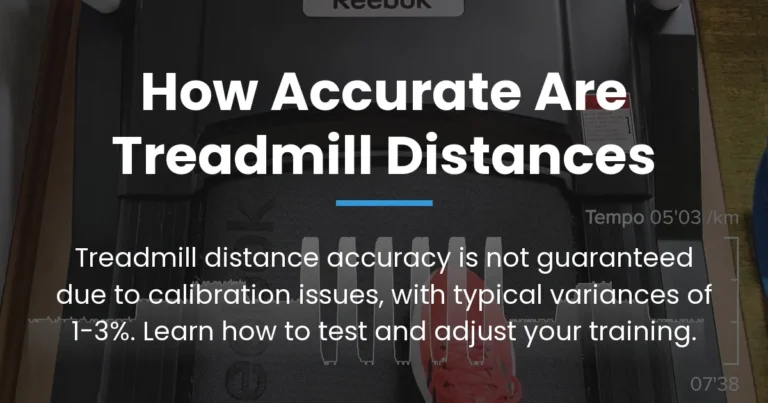
Small differences are normal. A watch estimates indoor distance from wrist motion, while the treadmill calculates distance from belt movement. Calibration can reduce the gap, but it may not remove it completely.
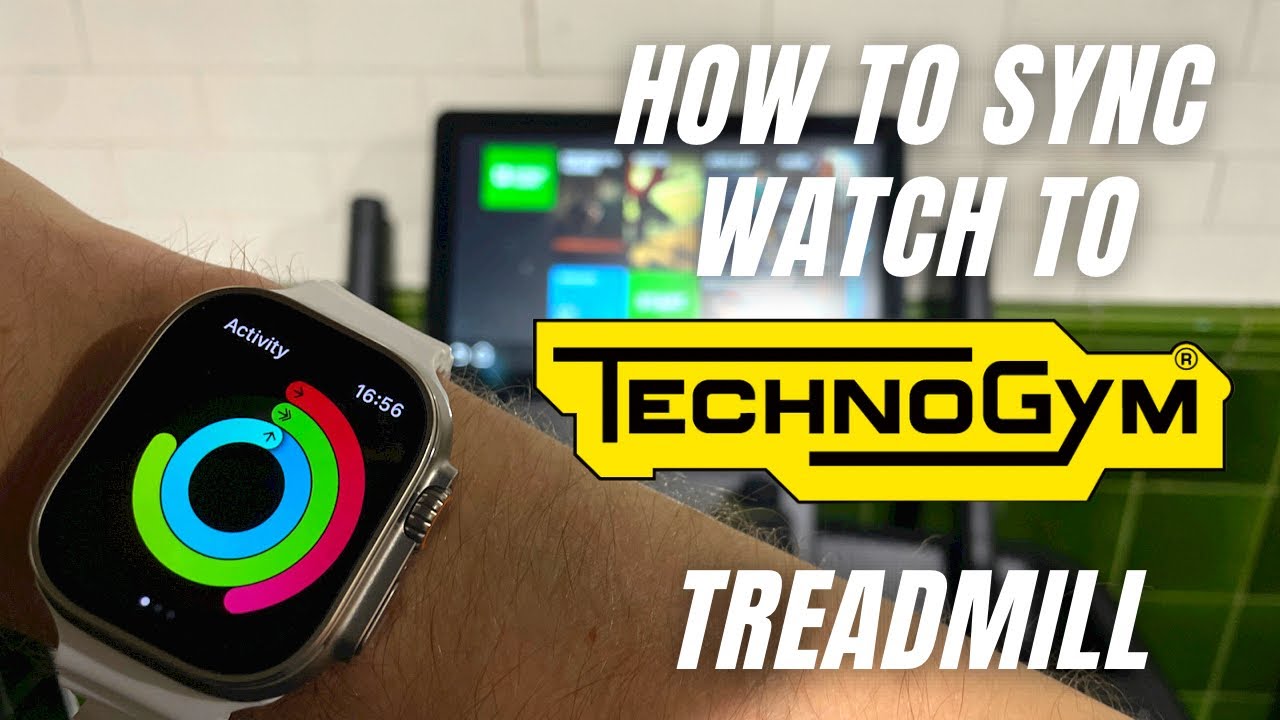
How to Connect Popular Watches to a Treadmill
The basic method for how to connect watch to treadmill depends on the watch brand and treadmill platform. These are the most common setups.
Apple Watch
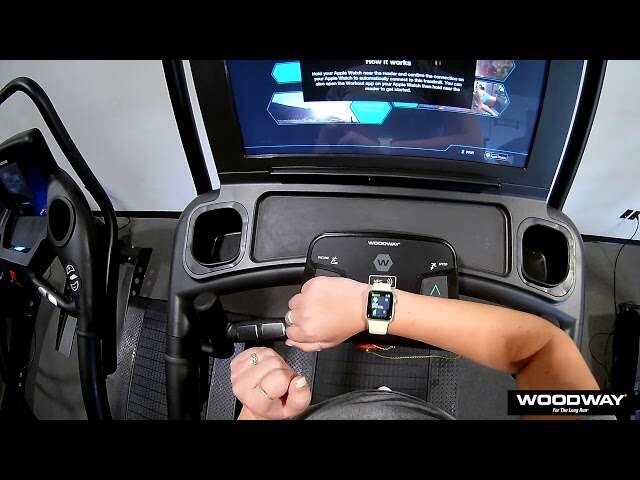
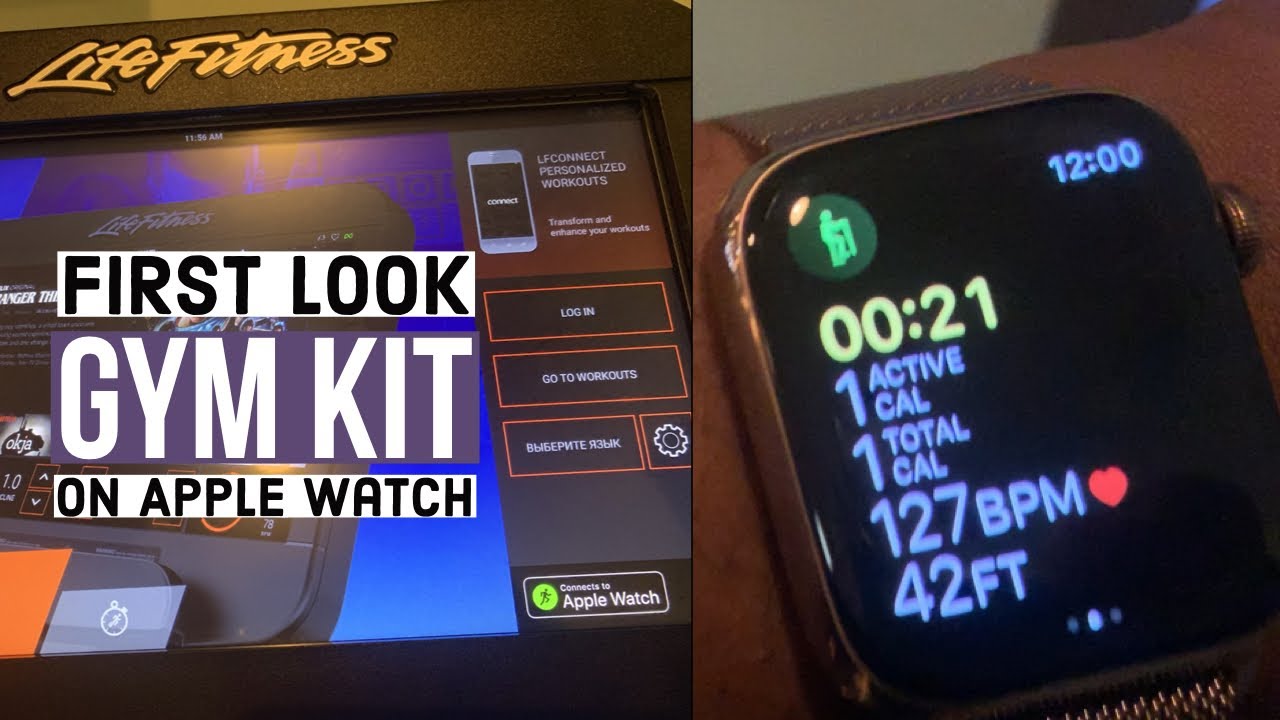
Apple Watch users can pair with compatible treadmills through Apple GymKit. Look for the contactless reader on the treadmill console, then hold the top of the Apple Watch near the reader.
When the connection works, the treadmill and Apple Watch can exchange workout data. The treadmill may send speed, distance, incline, and time, while the watch can send heart-rate information back to the console.
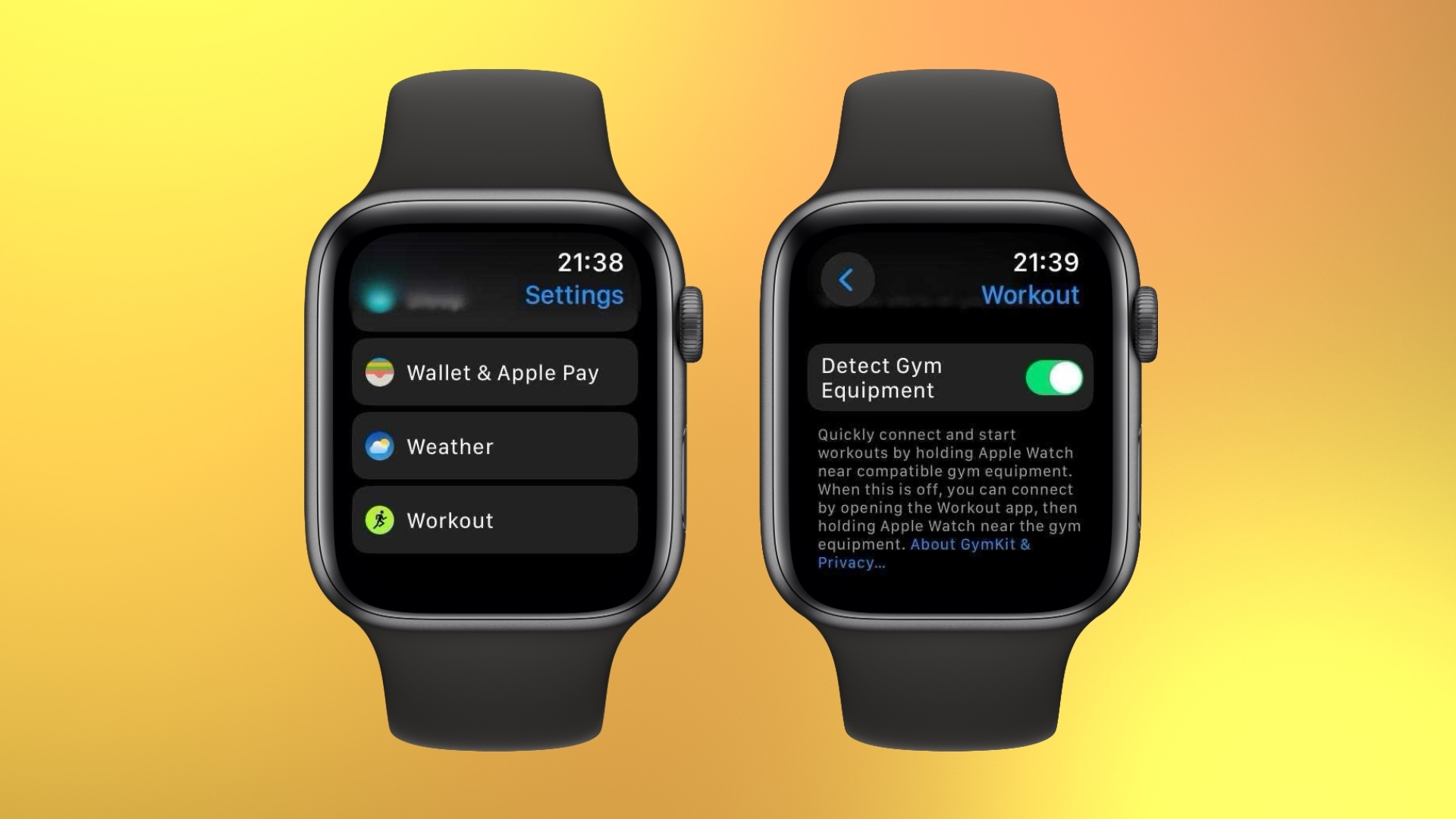
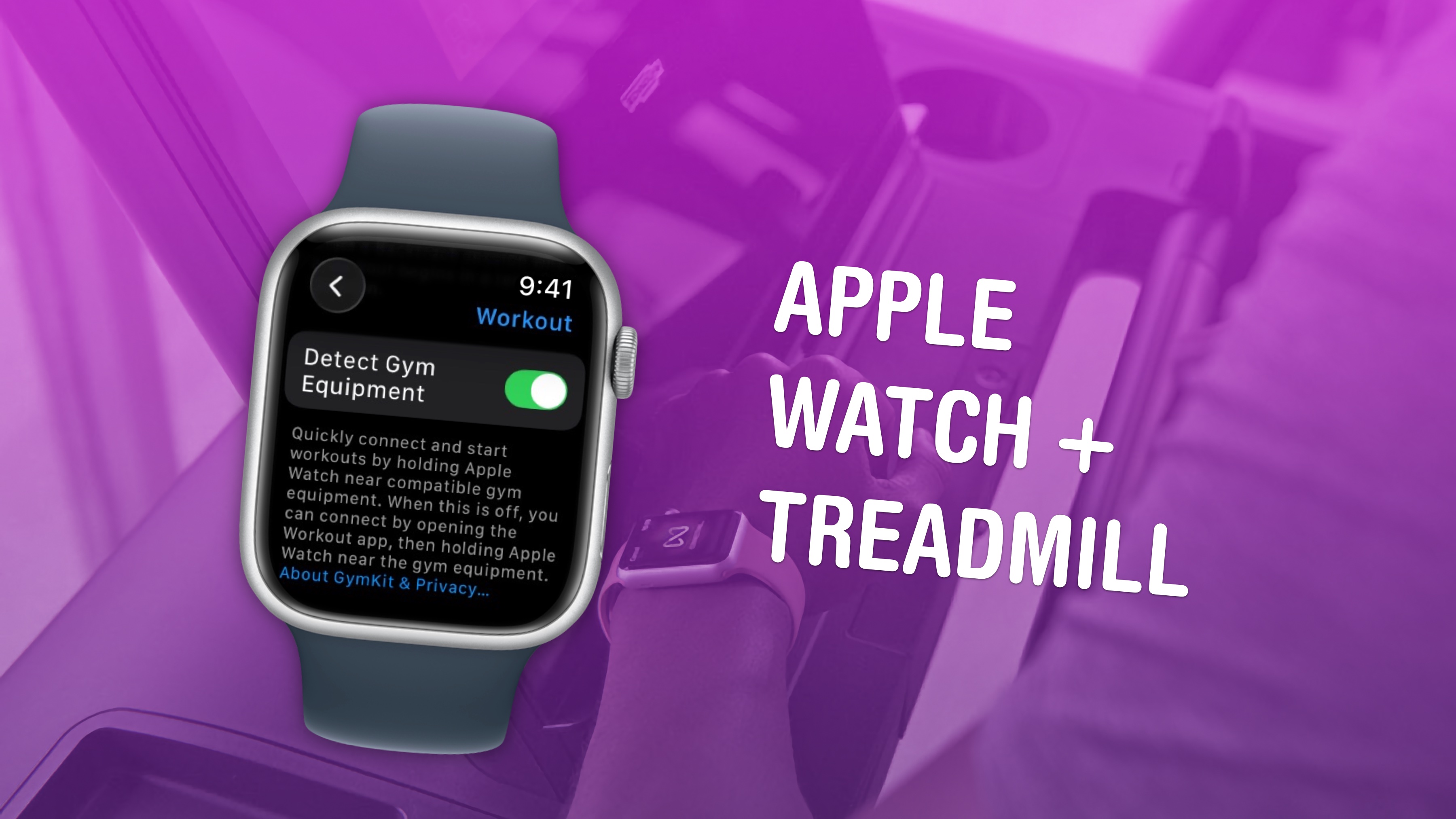
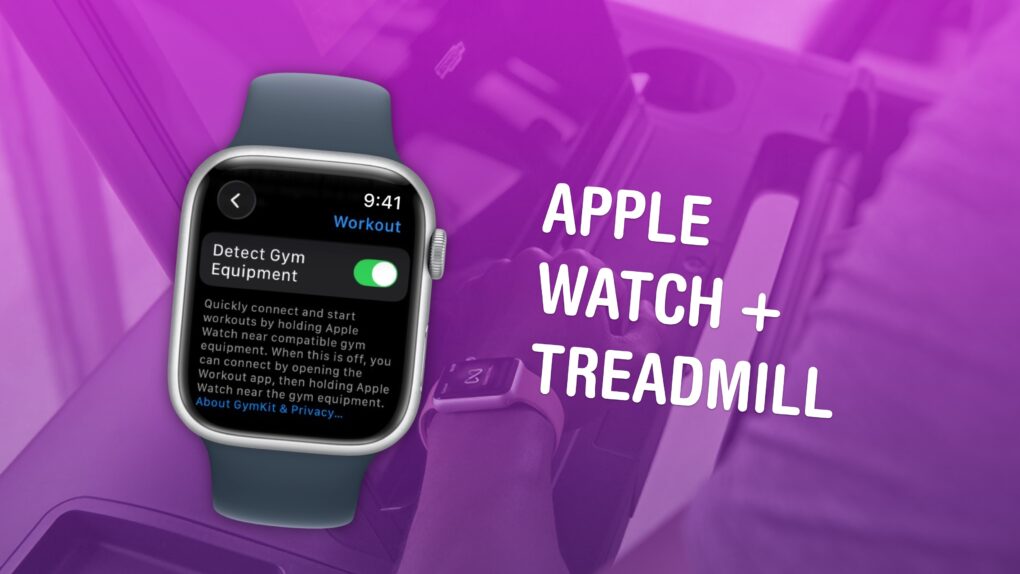
If GymKit does not appear, open the Watch app on the iPhone and check the Workout settings. Make sure Detect Gym Equipment is enabled. GymKit only works with compatible equipment, so a normal Bluetooth menu may not replace it.
Garmin Watch
Many Garmin watches record treadmill sessions through the Treadmill activity profile. Start the profile, complete an indoor run, and save the activity. Garmin watches often use wrist movement to estimate distance.
For better results, complete an outdoor run with GPS at a steady pace. This gives the watch a chance to learn your stride. After several treadmill sessions, use the Calibrate and Save option if it appears.
Some Garmin watches can pair with compatible heart-rate straps and foot pods. A foot pod may provide more reliable indoor pace and distance than wrist movement alone.
Fitbit
Fitbit devices usually record treadmill sessions through the Exercise app or an Exercise shortcut. Select Treadmill, start the workout, and save it when finished.
Many Fitbit models do not receive speed data directly from a treadmill. Instead, they estimate distance from your steps, stride length, and wrist movement. Holding the treadmill rails can reduce accuracy because the watch sees less natural arm motion.
Samsung Galaxy Watch
On a Galaxy Watch, open Samsung Health and choose Treadmill or Indoor Run. Start the workout on the watch and begin the treadmill session.
Some Galaxy Watch models can connect to external heart-rate sensors. Direct treadmill data support depends on the treadmill, the watch model, and the app version. If direct pairing fails, recording the workout on the watch remains a reliable basic option.
Polar and other fitness watches
Polar watches often work well with compatible heart-rate straps and foot pods. Select the indoor running profile, search for sensors, and follow the pairing instructions.
Other brands may use ANT+, Bluetooth Smart, or FTMS. Check the watch manual for the exact sensor type. A device can support Bluetooth headphones but still lack support for fitness equipment.

How to Improve Treadmill Distance and Pace Accuracy
Knowing how to connect watch to treadmill is only half the task. Indoor distance is often the bigger challenge.
A GPS watch cannot use satellite signals indoors. Instead, it estimates distance from wrist movement, stride length, arm swing, and past outdoor data. This estimate can be close, but it is not a direct measurement of the belt.
Try these steps:
• Keep your normal arm swing.
• Avoid holding the front or side rails unless you need support.
• Use the same watch position for every workout.
• Enter your correct height, weight, age, and dominant wrist in the watch app.
• Run at several steady speeds during outdoor calibration.
• Calibrate after a workout instead of accepting a large distance error without review.
• Use a foot pod if exact indoor pace is important.
• Compare the watch with the treadmill over several workouts, not just one session.
For example, if the treadmill shows 3.10 miles and your watch shows 2.85 miles, the watch may need calibration. Do not change the distance manually after every workout without finding the cause. A consistent pattern is more useful than a single reading.
Incline also affects effort. A treadmill set to 5% incline can feel much harder than a flat run, but your watch may not know the incline unless the treadmill sends that information. Record incline separately when training by effort.
Why Your Watch Will Not Connect to the Treadmill
Pairing problems are common, and most have a simple cause. Start with the least complex fix.
The treadmill does not support watch connections
Some treadmills only show data on the built-in screen. They may offer Bluetooth for music but not for exercise data. Check the console manual or model number before spending time on pairing.
Another device is already connected
A treadmill may connect to only one watch, phone, or app at a time. Disconnect the old device, close nearby fitness apps, and try again.
Bluetooth is active but the wrong menu is open
Starting the workout on the watch first can help. Some watches will not appear in a treadmill’s device list until the correct indoor activity is running.
The watch is too far away
Keep the watch close to the console. Metal frames, crowded gyms, and other wireless equipment can weaken the signal.
The software is out of date
Install updates for the watch, treadmill app, and console when possible. Updates often improve support for newer Bluetooth profiles.
The connection needs to be reset
Forget the treadmill on the watch and forget the watch on the treadmill. Restart both devices, then pair them again as if they were new.
A mistake I often see during setup is pairing the watch from the phone’s general Bluetooth settings first. Some fitness devices require pairing inside the workout app instead. If the connection keeps failing, remove the old pairing and follow the equipment’s app instructions.
Should You Use a Chest Strap or Foot Pod?
A chest strap can improve heart-rate accuracy during hard treadmill workouts. It measures electrical signals from the heart and usually responds faster than an optical wrist sensor, especially during intervals.
A foot pod can improve pace and distance data. It measures foot movement and stride patterns rather than relying on arm motion. This is helpful if you hold the treadmill rails, run with limited arm movement, or need accurate pace targets.
Consider an accessory when:
• You train by heart-rate zones.
• Your watch readings change sharply during intervals.
• Your treadmill distance and watch distance differ every time.
• You need reliable indoor pace for structured training.
• You often walk while holding the rails.
A chest strap and foot pod are not required for casual workouts. For most users, a correctly worn watch and regular calibration provide useful trends.

Safety and Privacy Tips for Connected Treadmill Workouts
A connected workout should still be a safe workout. Keep the watch secure, and do not look down at the screen while changing speed or incline.
Follow these habits:
• Use the treadmill safety clip.
• Increase speed and incline in small steps.
• Keep loose clothing away from the belt.
• Avoid typing on your phone while running.
• Stop the belt before stepping off.
• Wipe sweat from the watch after training.
• Review app permissions before connecting a new service.
Fitness apps may collect health, location, and workout data. Use a strong account password and enable two-factor authentication when available. Only connect services you trust, and review which data the app can share.
The watch is a helpful guide, not a medical device. If you have chest pain, faintness, severe shortness of breath, or unusual symptoms, stop exercising and seek medical care.
Frequently Asked Questions About How to Connect Watch to Treadmill
Can any smartwatch connect to a treadmill?
No. The treadmill and watch must support compatible wireless standards or a shared app. If they do not, the watch can usually record the workout on its own.
Why does my watch show a different distance than the treadmill?
The treadmill measures belt movement, while the watch estimates indoor distance from motion and stride data. Calibration, arm movement, rail use, and speed changes can create differences.
Can I connect my Apple Watch to any treadmill?
Apple Watch can connect directly to compatible equipment through Apple GymKit. If the treadmill lacks GymKit support, you can still record an Indoor Run manually on the watch.
Does a treadmill send heart-rate data to a watch?
Some treadmills can send heart-rate data, but many cannot. A Bluetooth or ANT+ chest strap is often a more dependable option for heart-rate tracking.
Should I start the watch or treadmill first?
Start the watch’s indoor workout mode first, then begin the treadmill. This gives the devices time to pair and helps both records cover the same workout.
Can I connect my watch to a treadmill without Wi-Fi?
Often, yes. Bluetooth, ANT+, or GymKit can work without home Wi-Fi. Wi-Fi may still be needed for software updates, cloud syncing, or certain treadmill apps.
How can I improve my treadmill pace accuracy?
Use the treadmill profile, keep a natural arm swing, and calibrate the watch after steady outdoor runs. A compatible foot pod can provide better indoor pace data.
Conclusion
Learning how to connect watch to treadmill starts with checking compatibility, turning on the right workout mode, and pairing through the treadmill’s correct menu. After that, focus on calibration, natural arm movement, and realistic expectations. The treadmill may measure belt distance while the watch estimates distance from your motion, so small differences are normal.
Test the connection during an easy workout before relying on it for intervals or race training. Save your results, compare trends over time, and add a chest strap or foot pod if you need greater accuracy. Use these steps in your next session, then explore your watch maker’s support guide or share your setup and results in the comments.

Brandon Knoxley is a sport & fitness writer and training guide contributor at MySportFitHub. He focuses on practical workouts, performance-based training, and honest fitness gear insights designed for real people and real results. Brandon is passionate about helping beginners and active individuals train smarter, avoid common mistakes, and build sustainable fitness habits.