
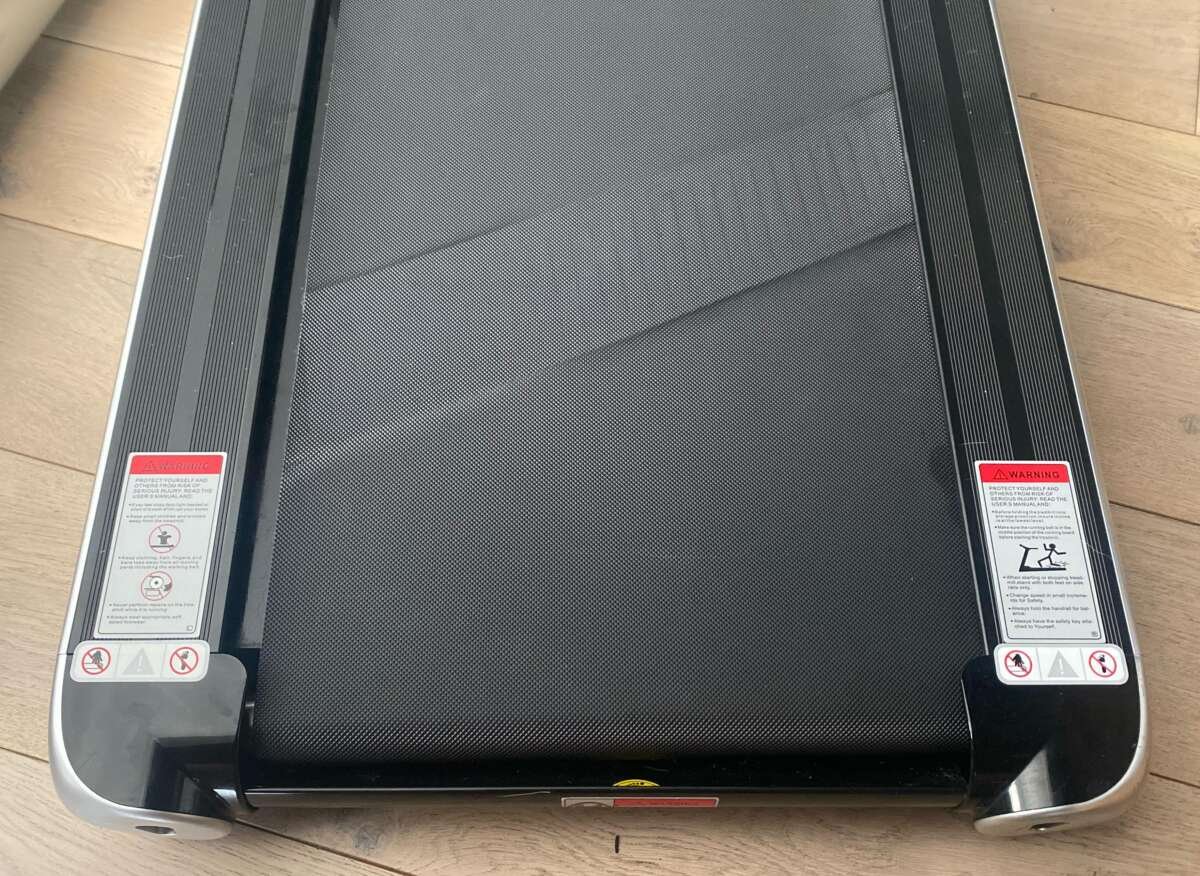
Why Does My Treadmill Keep Stopping: Causes & Fixes
Your treadmill keeps stopping because of power faults, belt drag, overheating, or a worn safety switch.
When asking why does my treadmill keep stopping, start with the simple causes first: loose power connections, poor belt lubrication, a misaligned belt, or an overloaded motor. This guide explains how to find the fault safely, what you can fix at home, and when a trained technician should inspect the machine.
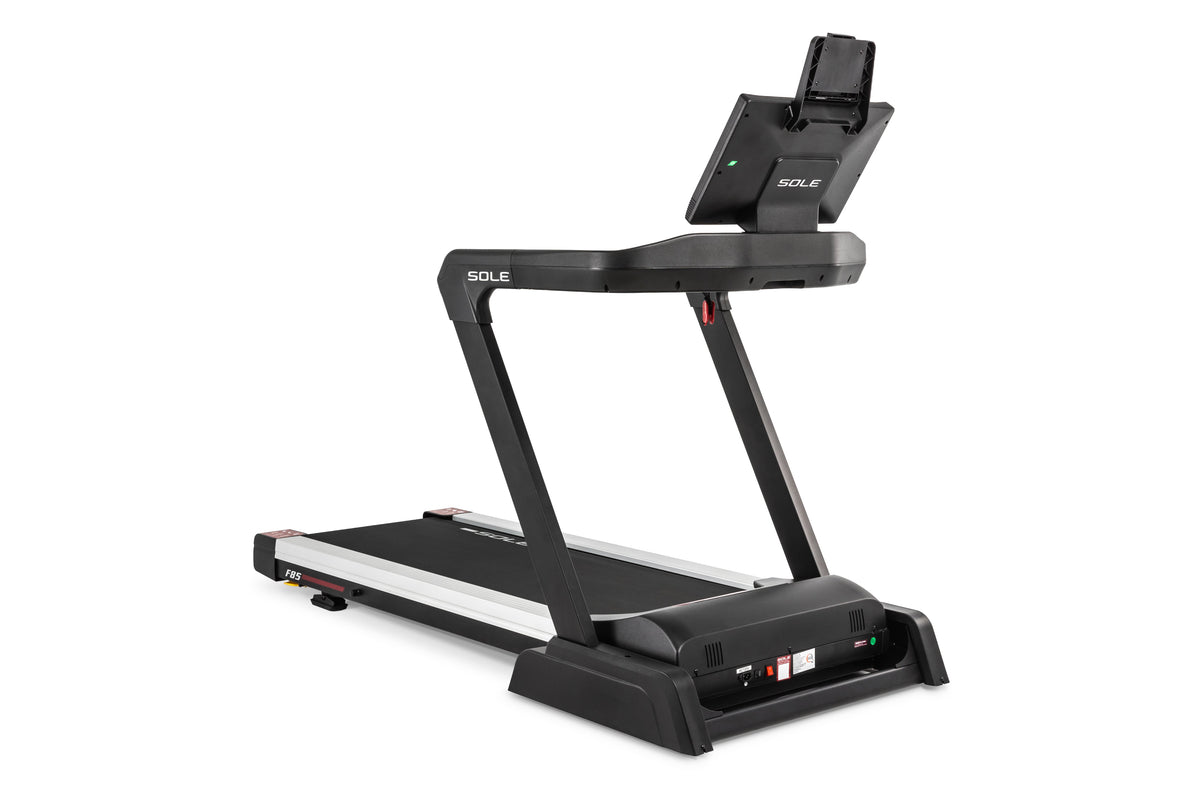
Why does my treadmill keep stopping?
A treadmill can stop when its control board detects a safety risk or when the motor cannot maintain normal speed. The machine may shut down to protect the motor, electronics, belt, and user.
The most common causes include:
- A loose power cord or tripped circuit
- A damaged or misplaced safety key
- A dry, tight, or misaligned walking belt
- Motor overheating
- Excess dust inside the motor area
- A worn drive belt
- An overloaded or failing motor
- A faulty speed sensor
- A damaged control board
- An electrical problem in the wall outlet or circuit
The timing of the stop gives you an important clue. If the treadmill stops as soon as you press Start, suspect the safety key, power supply, or control system. If it runs for several minutes and then stops, heat, friction, or motor load is more likely.

Check the power supply first
Power problems are one of the easiest causes to miss. A treadmill uses much more power than a lamp or phone charger, especially when a person is walking or running on it.
Start with these checks:
- Turn the treadmill off and unplug it.
- Inspect the power cord for cuts, crushed areas, or loose ends.
- Plug the treadmill directly into a grounded wall outlet.
- Avoid extension cords, power strips, and surge protectors unless the manual specifically allows them.
- Reset the circuit breaker if it has tripped.
- Check the treadmill’s reset switch, if it has one.
- Make sure the plug fits firmly in the outlet.
Do not share the outlet with a space heater, refrigerator, or other high-load appliance. A weak circuit can cause voltage drops, which may make the treadmill stop during use.
If the breaker trips again, stop testing the machine. Repeated trips can point to a short circuit, damaged motor, or overloaded circuit. An electrician or qualified treadmill technician should check it.

Inspect the safety key and console
The safety key creates a small but important connection between the console and the treadmill’s control system. When the key is removed, the machine should stop quickly.
A damaged magnet, cracked key, loose clip, or weak contact can make the treadmill act as if someone pulled the key out. This may answer why does my treadmill keep stopping even when the belt and motor seem fine.
Try the following:
- Remove the safety key and insert it again.
- Confirm that the key sits flat and fully in place.
- Check for cracks or damage around the key slot.
- Look for loose console wires, but do not pull or force them.
- Press the console buttons firmly and watch for flickering.
- Replace the safety key if it is bent, weak, or missing its magnet.
Never bypass the safety key. It is a user protection feature, not an unnecessary switch. If the console goes blank, flashes error codes, or restarts, unplug the treadmill and consult the owner’s manual.

Examine the walking belt
A treadmill belt should move smoothly under your feet. If it is too tight, too loose, dry, or badly aligned, the motor must work harder to turn it.
A belt with too much friction can cause the motor controller to shut down. This is a common reason why does my treadmill keep stopping after a few minutes.
With the treadmill unplugged, check the belt by lifting its edge near the center of the deck. Many manufacturers recommend a small gap, often around 2 to 3 inches, but the correct amount depends on the model. Always follow the manual instead of using a general measurement as a rule.
Look for these signs:
- The belt hesitates when you step on it.
- The belt feels sticky or rough.
- The belt drifts toward one side.
- The deck has dry, shiny, or damaged areas.
- The belt makes a scraping or slapping sound.
- The motor runs, but the belt slows under your weight.
Do not tighten the belt simply because it slips. An overly tight belt increases friction and can damage the rollers, motor, or control board.

Lubricate the belt correctly
Many treadmill belts need silicone-based lubricant. Lubrication helps reduce friction between the belt and deck, but too much lubricant can create slipping and attract dust.
Use only the lubricant recommended by the treadmill manufacturer. Do not use cooking oil, WD-40, automotive oil, or household grease. These products can damage the belt and deck.
A safe general process is:
- Unplug the treadmill.
- Lift the belt edges carefully.
- Apply the recommended amount under the belt.
- Walk on the treadmill at low speed for several minutes.
- Check whether the belt moves more smoothly.
Some modern belts are pre-lubricated or designed to run without regular lubrication. Check the manual before applying anything. Lubrication schedules vary with use, climate, belt material, and user weight.
In my troubleshooting experience, people often add lubricant when the real issue is belt misalignment. Lubrication cannot correct a damaged deck, worn belt, or bad roller.

Look for overheating
A treadmill may stop when the motor or motor controller becomes too hot. This often happens after the machine has run for 10 to 30 minutes, though the exact time varies.
Heat can build up when:
- The treadmill sits on carpet that blocks air flow.
- Dust covers the motor and ventilation openings.
- The belt is too tight or dry.
- The user exceeds the machine’s weight rating.
- The room is hot or poorly ventilated.
- The motor is old or worn.
Turn the treadmill off, unplug it, and let it cool fully. Never touch the motor immediately after a shutdown because it may be hot.
Keep the area around the motor housing clear. Clean visible dust with a vacuum or a soft brush. Avoid spraying liquid or compressed air deep into the electronics unless the manufacturer permits it.
If the treadmill works again after cooling but stops repeatedly during longer workouts, overheating is likely. Continued use may damage the motor controller, so arrange a service inspection.

Check the drive belt and rollers
The drive belt connects the motor to the front roller. If it is loose, cracked, glazed, or worn, the motor may run while the walking belt stops or moves unevenly.
A worn drive belt can also produce a burning rubber smell, squealing, or rhythmic knocking. Some treadmills stop because the control board detects a difference between the motor speed and belt speed.
With the treadmill unplugged, look for:
- Cracks along the drive belt
- Shiny or polished sections
- Frayed edges
- Heavy slack
- Rubber dust near the motor
- A front roller that does not turn freely
Rollers should rotate without grinding or strong resistance. A seized roller can make the motor draw too much current and trigger a shutdown.
Opening the motor cover may expose moving parts and electrical components. If you are not comfortable working around them, leave this inspection to a technician.

Test the speed sensor
A speed sensor tells the control board how fast the front roller or motor is turning. On many treadmills, a small magnet passes near a sensor with each roller rotation.
If the sensor is dirty, loose, misaligned, or damaged, the treadmill may stop because the control board receives no reliable speed signal.
Possible clues include:
- The belt starts, then stops suddenly.
- The console shows an error code.
- The speed reading jumps or stays at zero.
- The treadmill changes speed without input.
- The machine stops even when the belt moves freely.
Unplug the treadmill before checking the sensor area. Clean visible dust and confirm that the sensor has not shifted. Do not bend wires or move the sensor without knowing its correct position.
A service manual may provide a sensor test or resistance reading. Because models differ, use the exact instructions for your treadmill.

Consider the motor control board
The motor control board regulates power to the drive motor. If it fails, the treadmill may stop, surge, run slowly, or refuse to start.
A damaged board may show burnt marks, melted parts, loose connectors, or a sharp electrical smell. However, many board failures leave no visible sign.
Do not open the control board while the treadmill is plugged in. Capacitors can hold electrical energy after the machine is switched off.
A technician may test:
- Input and output voltage
- Motor resistance
- Current draw
- Speed sensor signals
- Board components
- Wiring and ground connections
Replacing a control board without testing can waste money. The original problem may be a tight belt or failing motor that would damage the new board as well.
Use this step-by-step troubleshooting process
If you are still asking why does my treadmill keep stopping, use a simple process instead of changing several parts at once.
- Unplug the treadmill and inspect the power cord.
- Test a grounded wall outlet without an extension cord.
- Reseat or replace the safety key.
- Check the belt for alignment, damage, and excess tightness.
- Follow the manual’s lubrication instructions.
- Clean dust from the outer motor area and vents.
- Let the treadmill cool for at least 30 minutes.
- Test it at low speed without stepping on the belt.
- Test it again while walking, if it runs normally.
- Record when it stops and any error code shown.
Write down whether the treadmill stops immediately, under load, after warming up, or when changing speed. That short record can save a technician considerable time.
Do not keep restarting the treadmill if you smell burning, hear grinding, see sparks, or feel electric tingling. Unplug it and arrange professional help.
Match the symptom to the likely cause
The symptom pattern often narrows the diagnosis.
| Symptom | Possible cause |
|---|---|
| Stops as soon as you press Start | Safety key, power supply, console, or control board |
| Stops only when you step on it | Belt friction, loose drive belt, weak motor, or overload |
| Stops after several minutes | Overheating, belt drag, or motor controller fault |
| Belt slips but motor keeps running | Loose walking belt or worn drive belt |
| Console goes completely blank | Outlet, cord, breaker, fuse, wiring, or board |
| Belt surges or changes speed | Speed sensor, control board, or motor problem |
| Burning smell appears | Motor, drive belt, wiring, or control board |
| Circuit breaker trips | Electrical overload, short circuit, or failing component |
These clues are not a final diagnosis. They are a safe way to decide what to inspect first.
Prevent your treadmill from stopping again
Regular care can prevent many treadmill shutdowns. Think of maintenance as changing the oil in a car: small steps reduce stress on expensive parts.
Follow the care schedule in your manual. In general:
- Keep the treadmill on a firm, level surface.
- Leave open space around the motor housing.
- Vacuum dust from the floor and outer vents.
- Check belt alignment every few weeks.
- Lubricate only when the manufacturer recommends it.
- Avoid exceeding the user weight limit.
- Use the treadmill in a cool, dry room.
- Do not place it where moisture can reach the electronics.
- Stop using it when unusual noise or odor begins.
- Keep children and pets away from the moving belt.
A treadmill used by several people each day needs more frequent inspection than one used for light exercise twice a week. Usage matters as much as age.
When should you call a professional?
Call a qualified treadmill technician or electrician when the problem involves live electrical parts, repeated breaker trips, burning odors, sparks, damaged wires, or a suspected control board failure.
You should also seek help when:
- The treadmill stops after basic belt and power checks.
- The motor becomes unusually hot.
- The belt or roller grinds loudly.
- The console displays a persistent error code.
- The treadmill stops under normal user weight.
- A replacement part requires electrical testing.
- The treadmill is still under warranty.
Warranty repairs may be refused if you open the motor housing or install an incorrect part. Check the warranty terms before doing internal repairs.
Safety matters more than saving a service fee. A treadmill combines household electricity, powerful moving parts, and a heavy user load. A careful diagnosis is worth more than a quick guess.
Frequently Asked Questions
Why does my treadmill keep stopping when I step on it?
The belt may be too tight, dry, or poorly lubricated, or the motor may be too weak to handle the load. A loose drive belt, worn roller, or overloaded motor can cause the same symptom.
Why does my treadmill stop after 10 minutes?
A shutdown after several minutes often points to overheating or excessive belt friction. Let the machine cool, clean the vents, and check the belt according to the manufacturer’s instructions.
Can a treadmill stop because of the safety key?
Yes. A loose, damaged, or incorrectly positioned safety key can interrupt the safety circuit. Replace the key if it does not sit securely or if the console reacts when it moves.
Should I use an extension cord with my treadmill?
Most manufacturers recommend plugging the treadmill directly into a grounded wall outlet. An unsuitable extension cord can cause voltage loss, overheating, or nuisance breaker trips.
How often should I lubricate a treadmill belt?
The correct schedule depends on the belt, model, and usage. Some treadmills need lubricant every few months, while others use low-maintenance belts, so follow the owner’s manual.
Is it safe to keep using a treadmill that keeps stopping?
No, not until you identify the cause. Stop using it if you notice heat, smoke, burning odors, sparks, electrical tingling, or repeated breaker trips.
Conclusion
A treadmill that keeps stopping usually has a clear warning behind it. Power faults, safety key problems, belt friction, overheating, worn drive parts, speed sensors, and control boards are the main areas to check.
Start with safe external checks. Inspect the cord, outlet, safety key, belt, ventilation, and error codes before considering internal repairs. If the machine smells hot, trips the breaker, or stops under normal use, unplug it and call a qualified professional.
Use the troubleshooting steps in this guide, follow your treadmill manual, and keep a record of the symptoms. If you found a different cause or solution, share your experience in the comments so other treadmill owners can learn from it.

Brandon Knoxley is a sport & fitness writer and training guide contributor at MySportFitHub. He focuses on practical workouts, performance-based training, and honest fitness gear insights designed for real people and real results. Brandon is passionate about helping beginners and active individuals train smarter, avoid common mistakes, and build sustainable fitness habits.

